

What you’ll accomplish
You will create a Playlist from a saved Design, review playback settings, and mark the Playlist as Ready.Prerequisites
- A saved Design or another compatible Library item.
- Playlist creation and editing permission.
Steps
- Open a saved Design in Studio.
- Select Add to Playlist.
- Choose an existing Playlist or select Create New Playlist.
- Enter a Playlist name and select Create & Add.
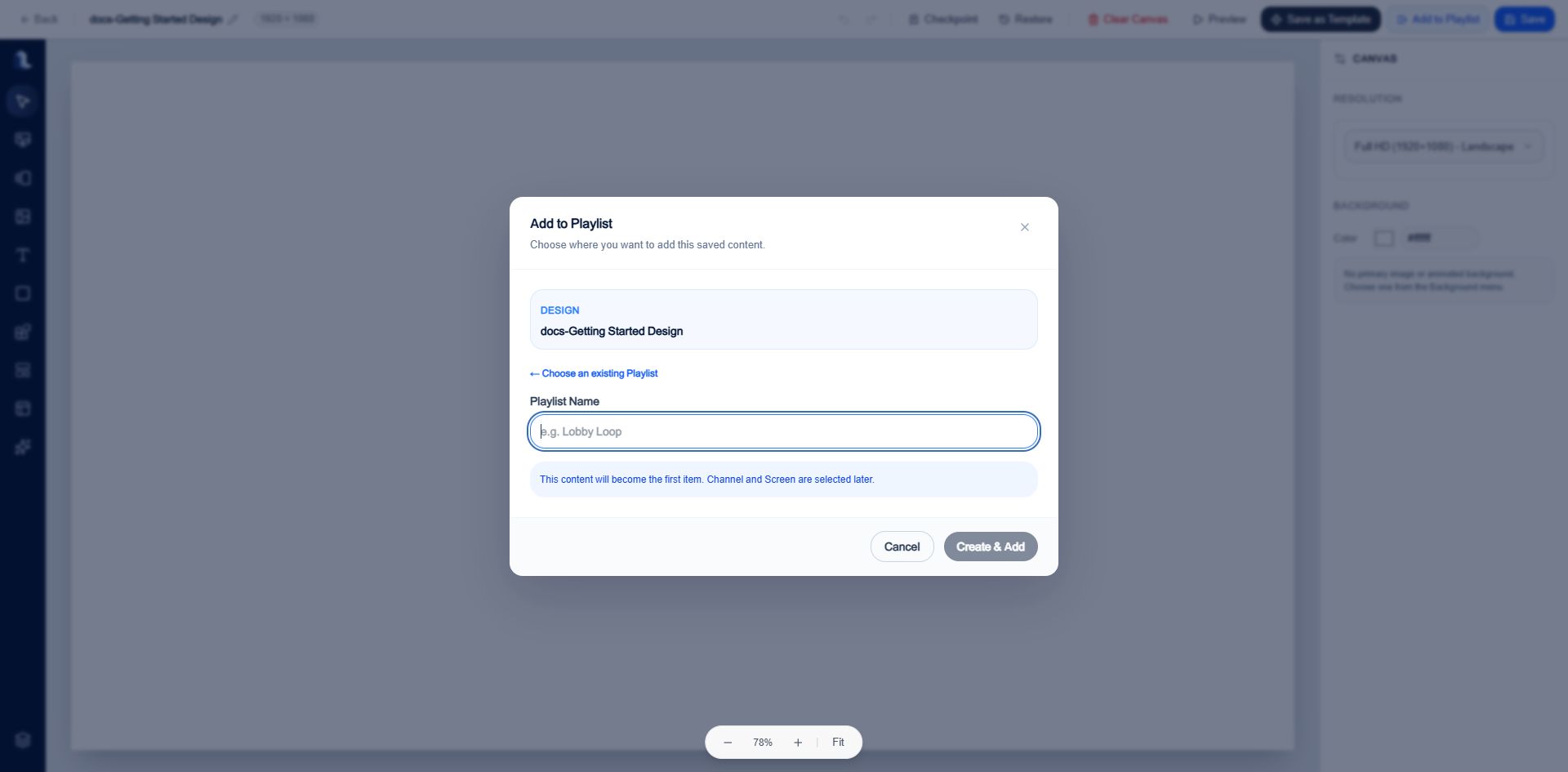
A new Playlist can be created without leaving Studio.
- Select View Playlist.
- Review item order, duration, enabled state, orientation, and total playback time.
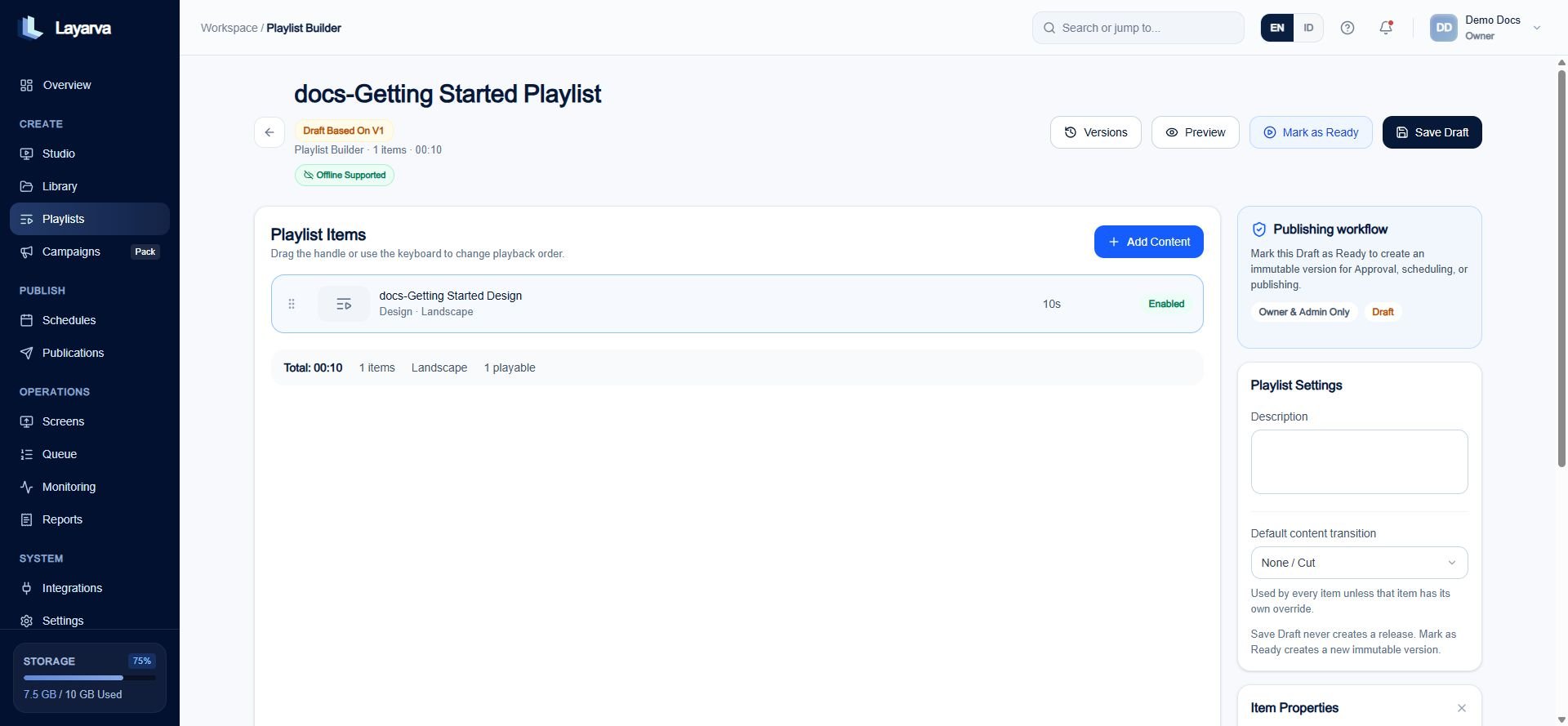
The Playlist Builder controls playback order and item settings.
- Select Save Draft when preserving mutable work.
- Select Mark as Ready when the sequence is ready to publish or schedule.
Expected result
The Playlist displays Ready · v1 and becomes read-only. Layarva can now publish or schedule that exact version.Important notes
- Save Draft never creates a release.
- Mark as Ready creates an immutable version.
- Editing a Ready Playlist requires Edit as Draft, followed by a new Ready version.