

What you’ll accomplish
You will filter Proof of Play, interpret completion and interruption metrics, assess evidence confidence, and export CSV data.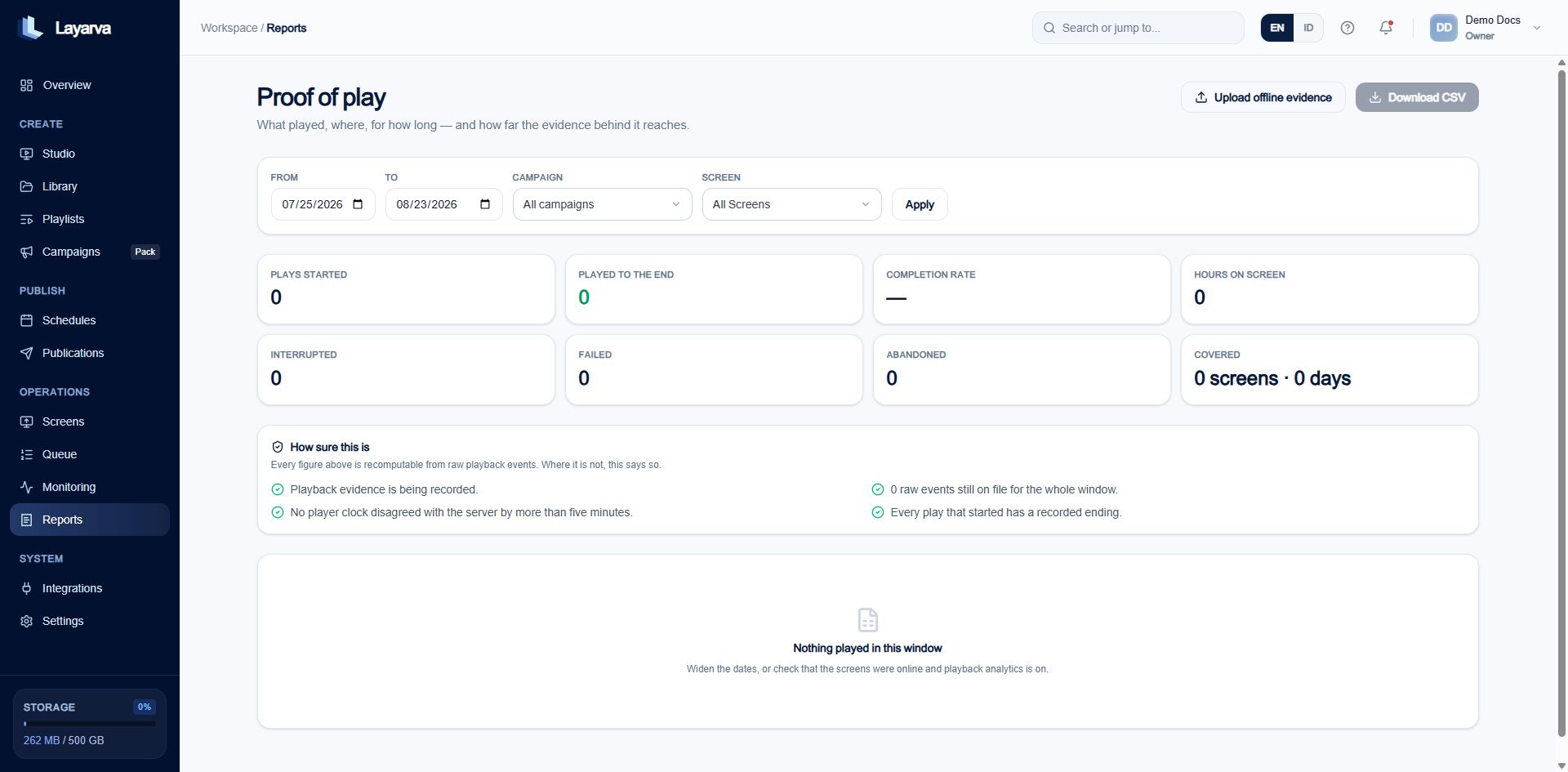
Proof of Play reports summarize starts, completions, display hours, interruptions, failures, coverage, and evidence confidence.
Filter the report
- Open Reports.
- Set From and To.
- Optionally select a Campaign or Screen.
- Select Apply.
- Review the metrics and How sure this is evidence section.
- Select Download CSV for external reconciliation.
Evidence sources
Proof of Play is built from raw playback events, sessions, and daily aggregates. Its default workspace settings are:
The long session timeout allows long-form video and delayed terminal events after a branch outage. Closing sessions too early would manufacture gaps.