

What the Library is
Library is the workspace-owned content repository used by Studio and Playlists. It keeps reusable assets separate from the Canvas where they are arranged and the Playlist where they are sequenced. The Library is divided into these content scopes:Custom Widgets and the Custom Widget Library tab are intentionally outside the scope of this documentation phase.
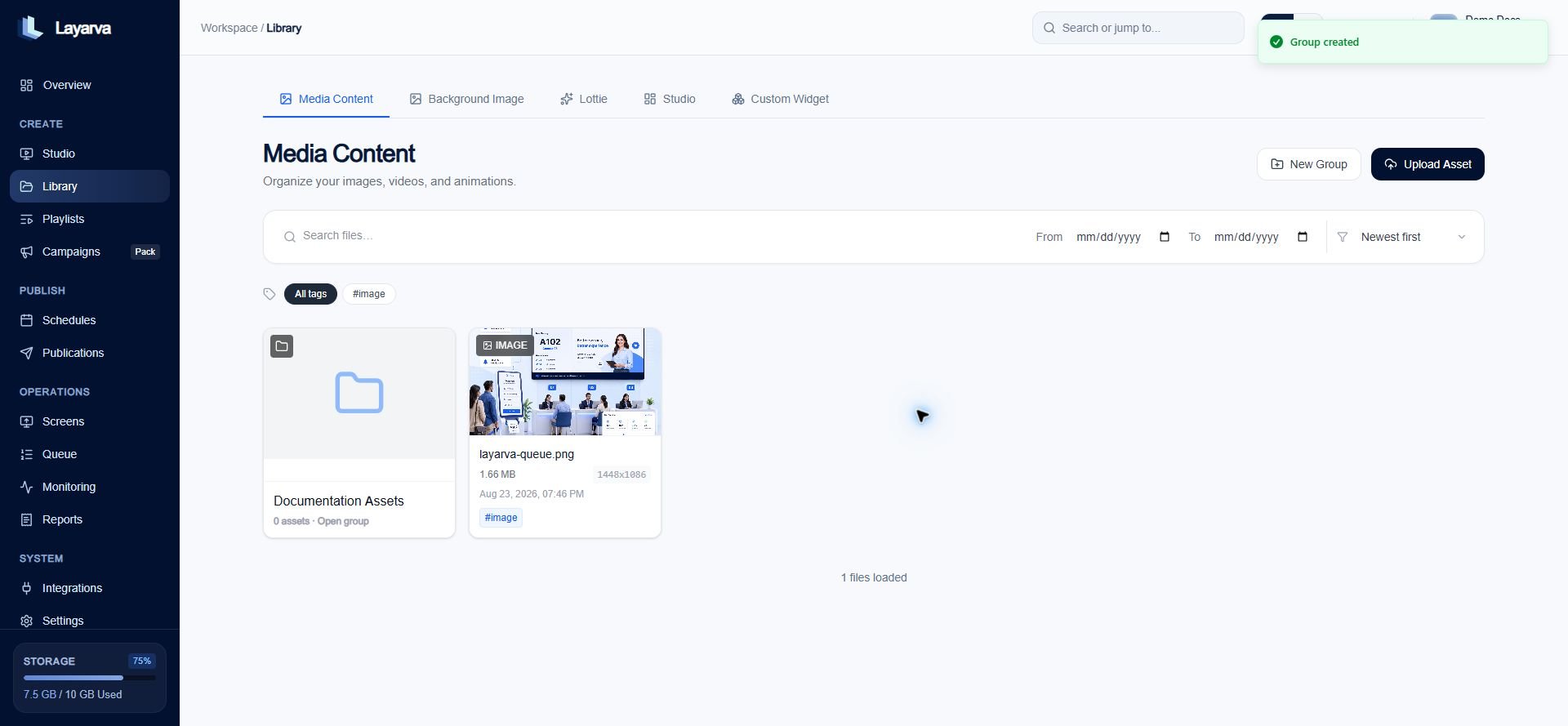
Library keeps each content type in its own tab and presents groups before their assets are loaded.
Groups and tags solve different problems
Groups do not cross Library types. A Media group and a Background group can use the same name, but they remain separate scopes.
Create a Group
- Open Library from the sidebar.
- Select Media, Background, or Lottie.
- Select New Group.
- Enter a recognizable name.
- Select Create.
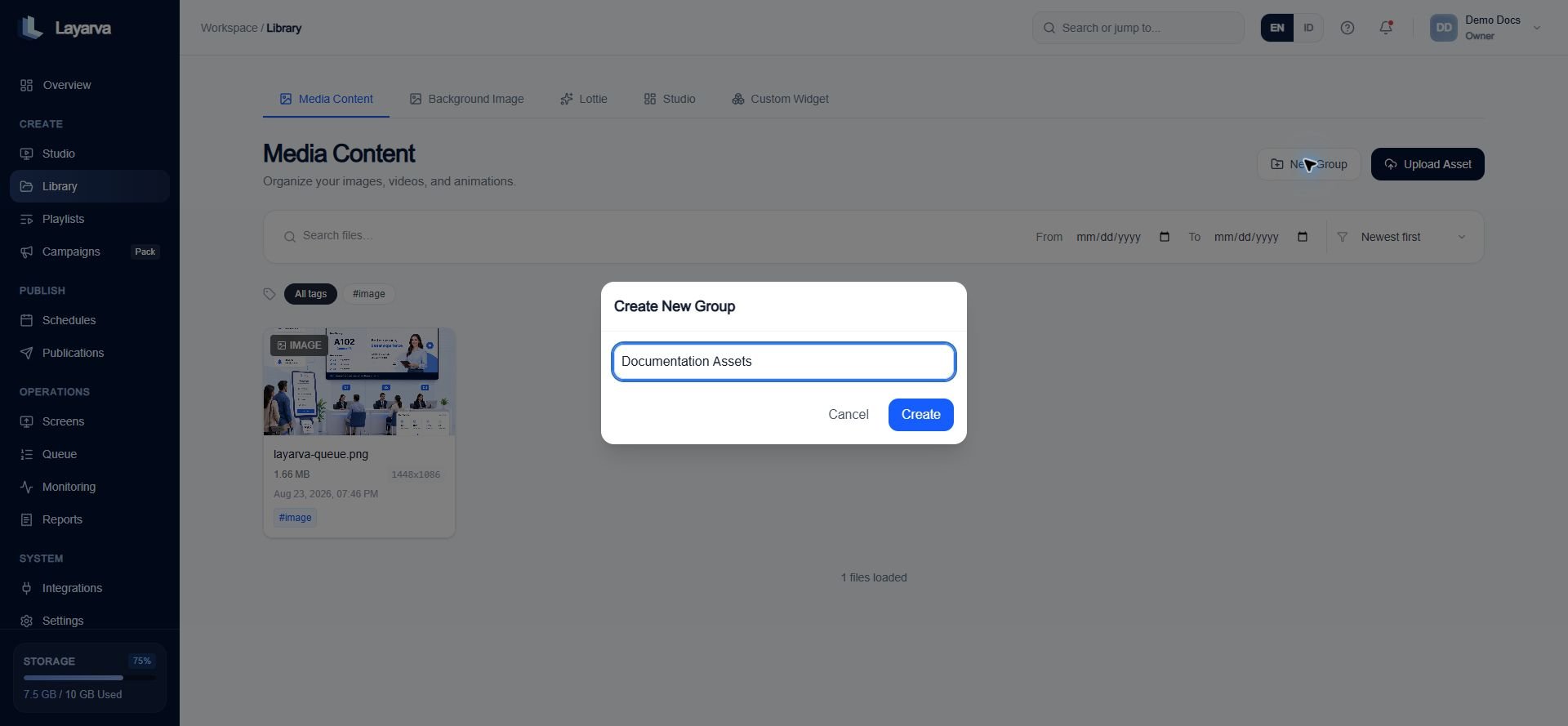
Create the group in the active Library tab; it will not appear in the other content types.
Move an asset into a Group
- Open the asset menu.
- Select Move to group.
- Choose the destination group, or select Root Library to remove the group assignment.
Find and manage assets
- Search by file name.
- Filter by a date range.
- Sort by newest, oldest, or name.
- Filter with tags; media-type tags such as image or video identify the asset type.
- Open a group to use bulk selection and deletion controls.
- Preview an asset before opening it in Studio or adding it to a Playlist.
Delete behavior
- Delete Group removes the group but safely moves its assets back to the root Library.
- Permanently Delete removes the selected asset and its stored file. This action cannot be undone.