

What you’ll accomplish
You will activate an invited account and sign in to your Layarva workspace.Prerequisites
- An invitation email from a Layarva workspace, or an account provisioned for you.
- Access to the invited email address.
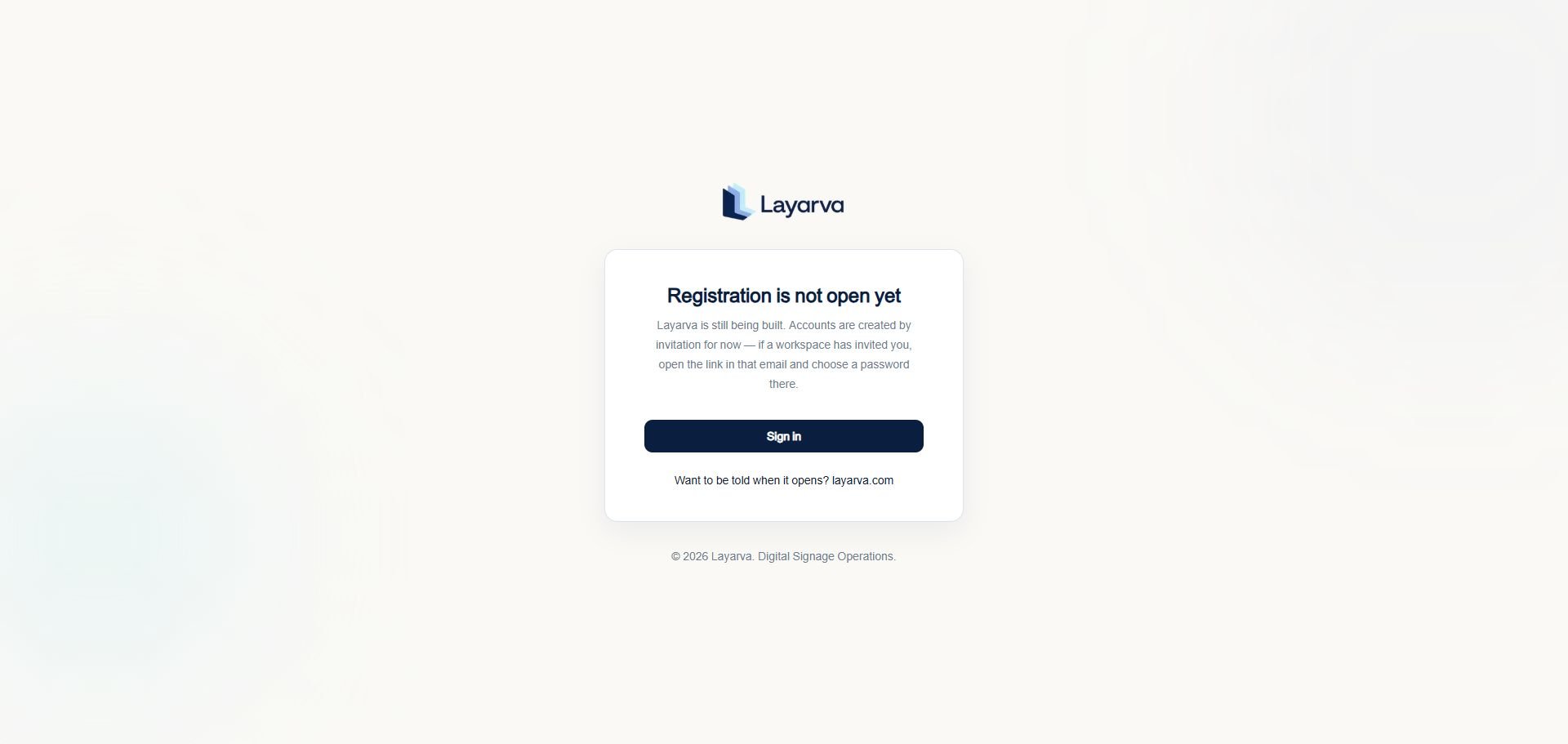
The public registration page explains the current invitation-only access model.
Steps
- Open the invitation link sent to your email address.
- Choose a password when the invitation page asks you to activate the account.
- Open the Layarva sign-in page.
- Enter your invited email address and password.
- Select Sign in.
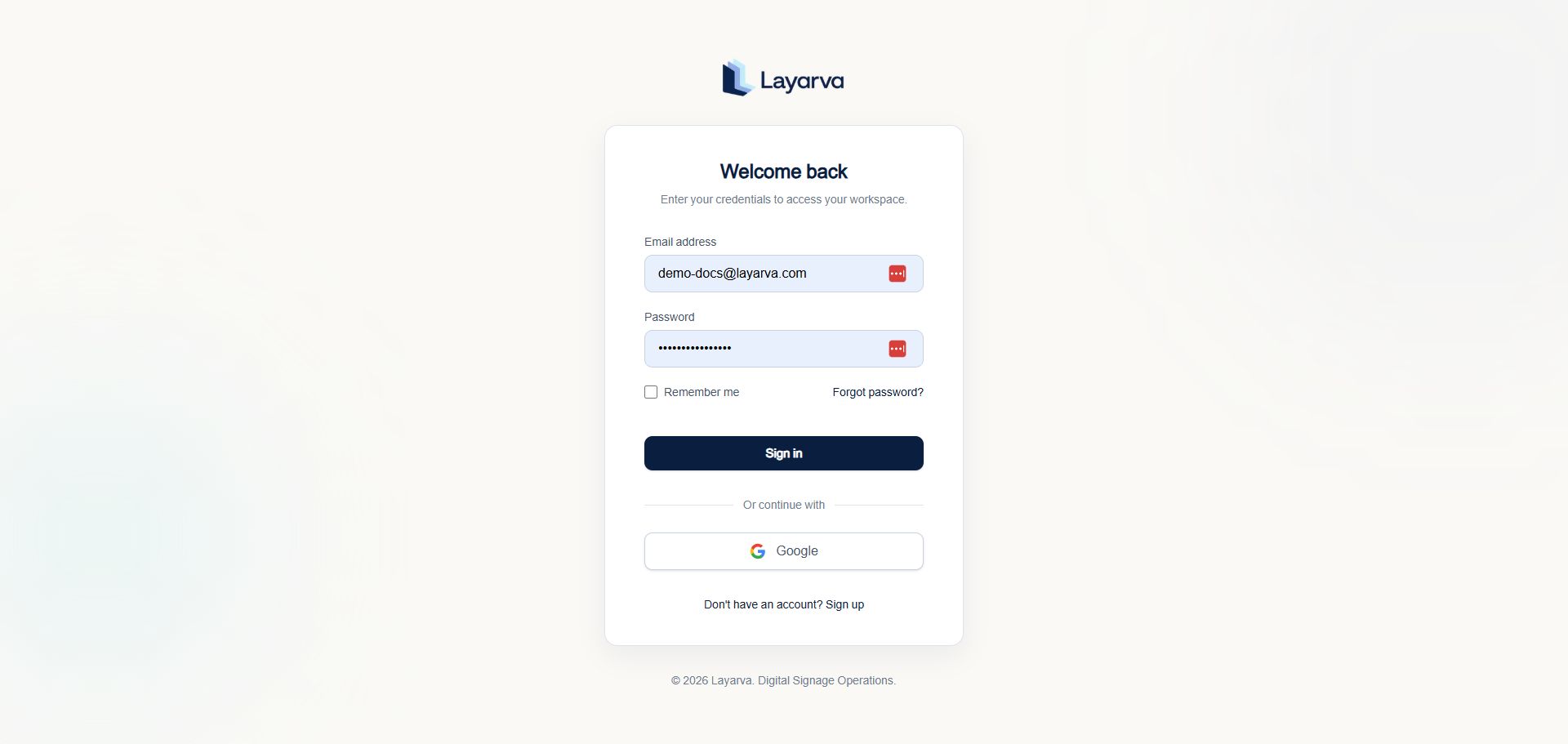
Use the sign-in page after your invitation has been accepted.
Expected result
Layarva opens your assigned workspace. A new workspace may open its onboarding flow first.Important notes
- Your workspace role is assigned by the inviter.
- Do not share invitation links or passwords.
- Selecting Sign up does not create a public account while registration remains closed.
Troubleshooting
If the invitation link has expired or your workspace does not appear, ask a workspace Owner or Admin to send a new invitation.BELUM TERVERIFIKASI: The invitation acceptance screen was not captured because no disposable invitation was created for this documentation session.