

What you’ll accomplish
You will move a Screen from Cloud to Edge delivery without leaving two delivery authorities, then understand the recovery path back to Cloud.Prerequisites
screen.managepermission.- An active Edge that synchronized within the last 120 seconds.
- A Screen that is not already assigned to Edge.
Hand a Screen to Edge
- Open Screens → Devices.
- Open the Screen’s assignment or actions.
- Choose Edge delivery.
- Select the active Edge device.
- Confirm the handover.
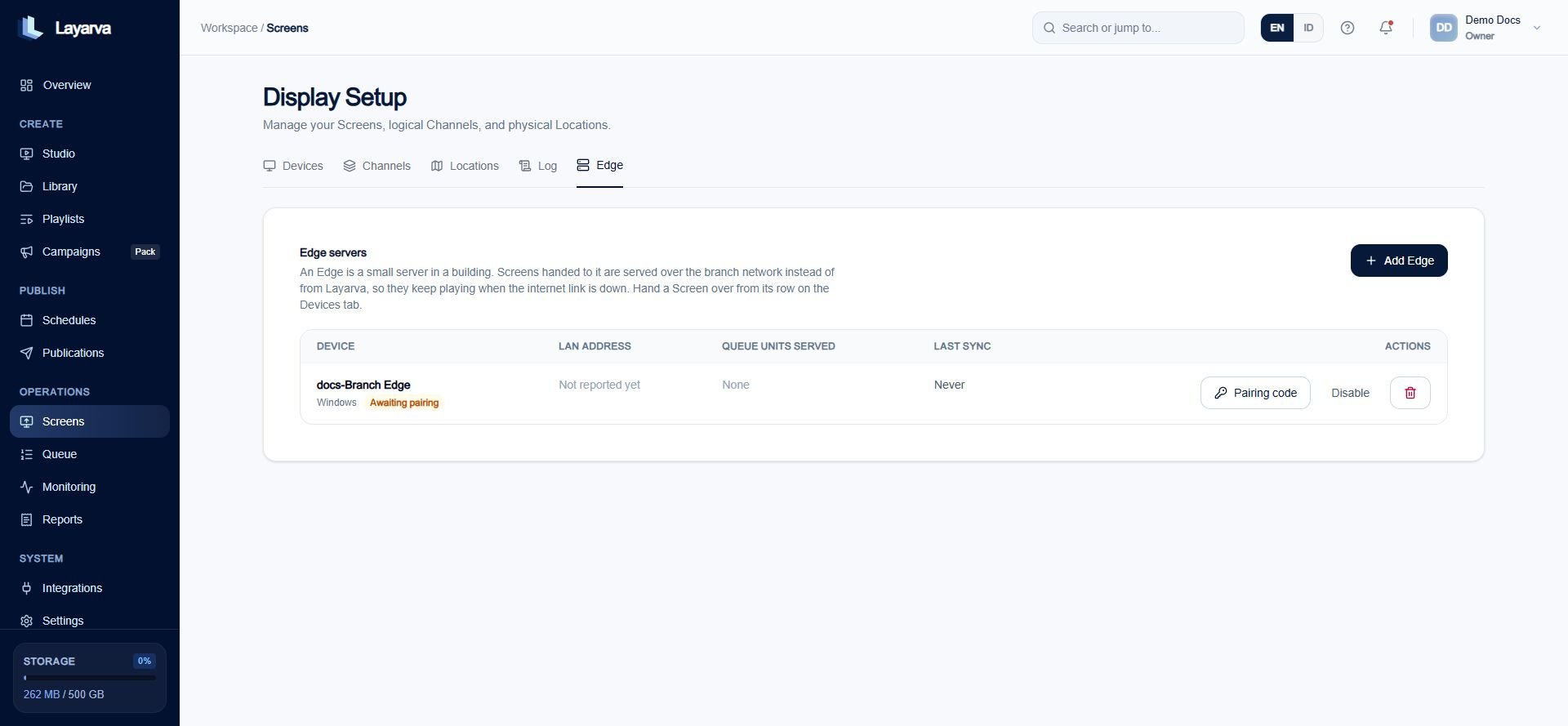
The Screens Edge tab lists branch servers; individual Screens are handed over from their Devices row.
Return a Screen to Cloud
Returning is intentionally stricter when Edge still appears healthy:- Without Force, the action is rejected while Edge synchronized within the last 120 seconds.
- With Force, recovery succeeds even when the Edge is unreachable.
- The old device token is removed. Pair the physical Player again for Cloud delivery.
- The Edge roster entry becomes Revoked, not deleted, so a returning Edge can see the explicit denial.
- Active and Last Known Good Publication pointers are cleared because they were staged by the former delivery authority.