

What you’ll accomplish
You will identify the four Studio starting points and open the appropriate content workflow.Prerequisites
- Workspace access with permission to view Studio.
Steps
- Select Studio from the sidebar.
-
Choose one of the Quick Start options:
- Start from Blank Canvas for a new custom Design.
- Use Template to customize an existing Template.
- Start from Media to use an image, video, or animation from the Library.
- Open Recent Design to continue existing work.
- Review Recent Designs, Template Categories, or available content blocks and Widgets.
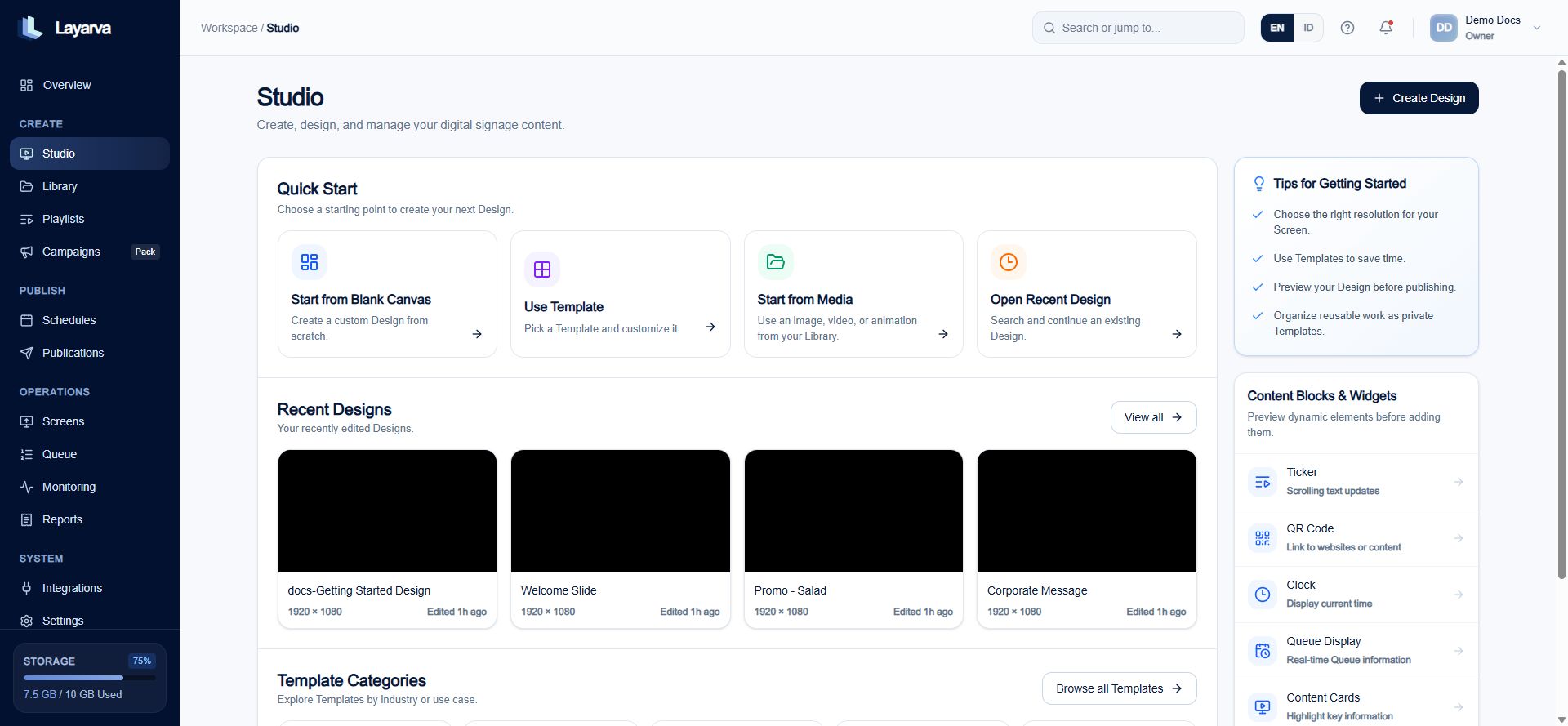
Studio combines creation shortcuts, recent work, Templates, and Widgets.
Expected result
You enter the workflow that matches the content you want to create.Important notes
- Library stores reusable content, Studio composes it, and Playlist sequences it.
- Choose a Canvas resolution compatible with the target Screen orientation.