

What you’ll accomplish
You will understand the display setup area and how Screens, Channels, and Locations relate.Prerequisites
- Workspace access with permission to view Screens.
Steps
- Select Screens in the sidebar.
-
Use the display setup tabs:
- Devices manages paired Screens.
- Channels manages logical content targets.
- Locations organizes physical sites.
- Log shows display lifecycle events.
- Edge manages eligible Edge devices and branch playback.
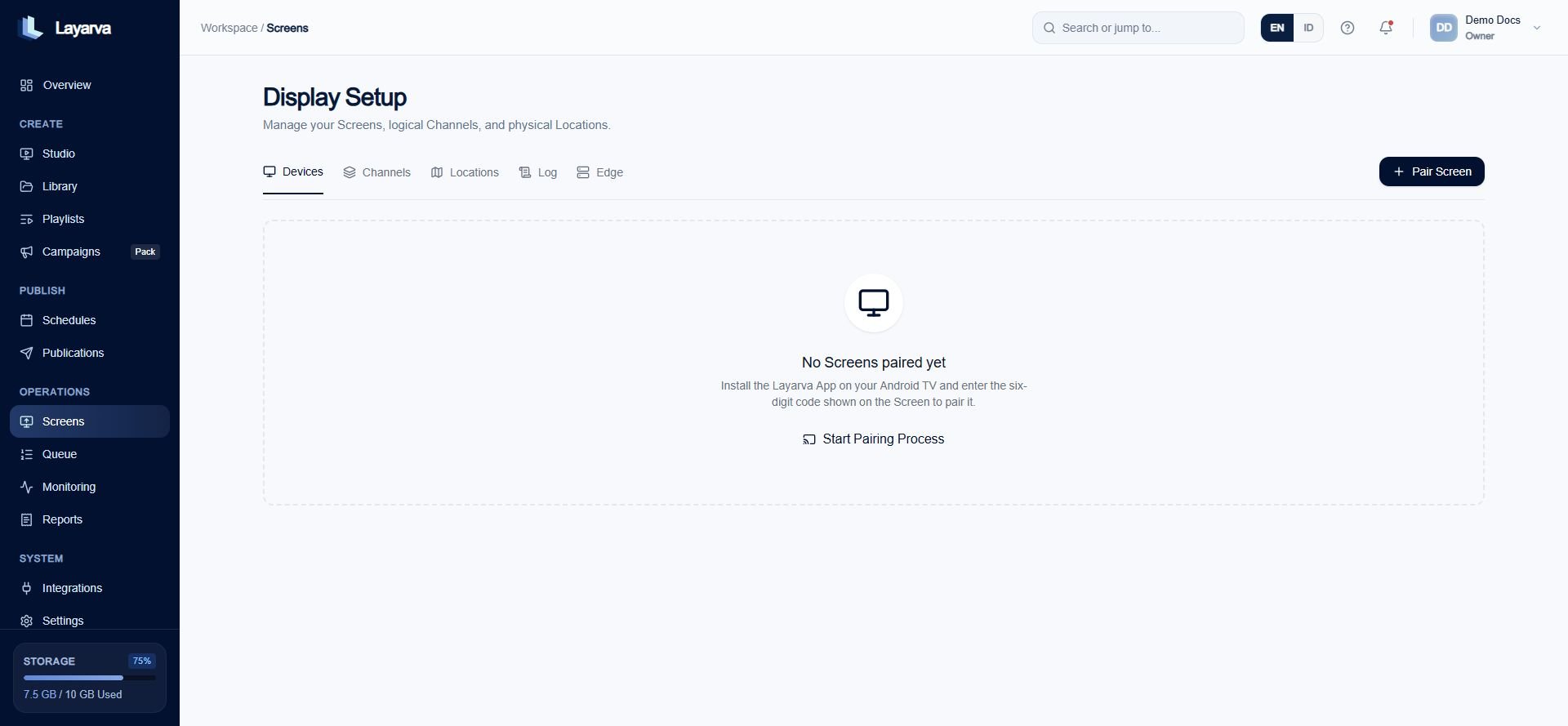
A new workspace starts with a clear empty state and pairing action.
Expected result
You can choose whether to pair a device, create a Channel, or organize a Location.Important notes
- A Screen is a device record.
- A Channel is a logical playback target.
- A Location is a physical or operational grouping.