

Two checks serve different runtimes
Run the check on the exact device, browser, display output, and network that will be deployed. A result from a laptop does not qualify a TV box.
Browser Device Check
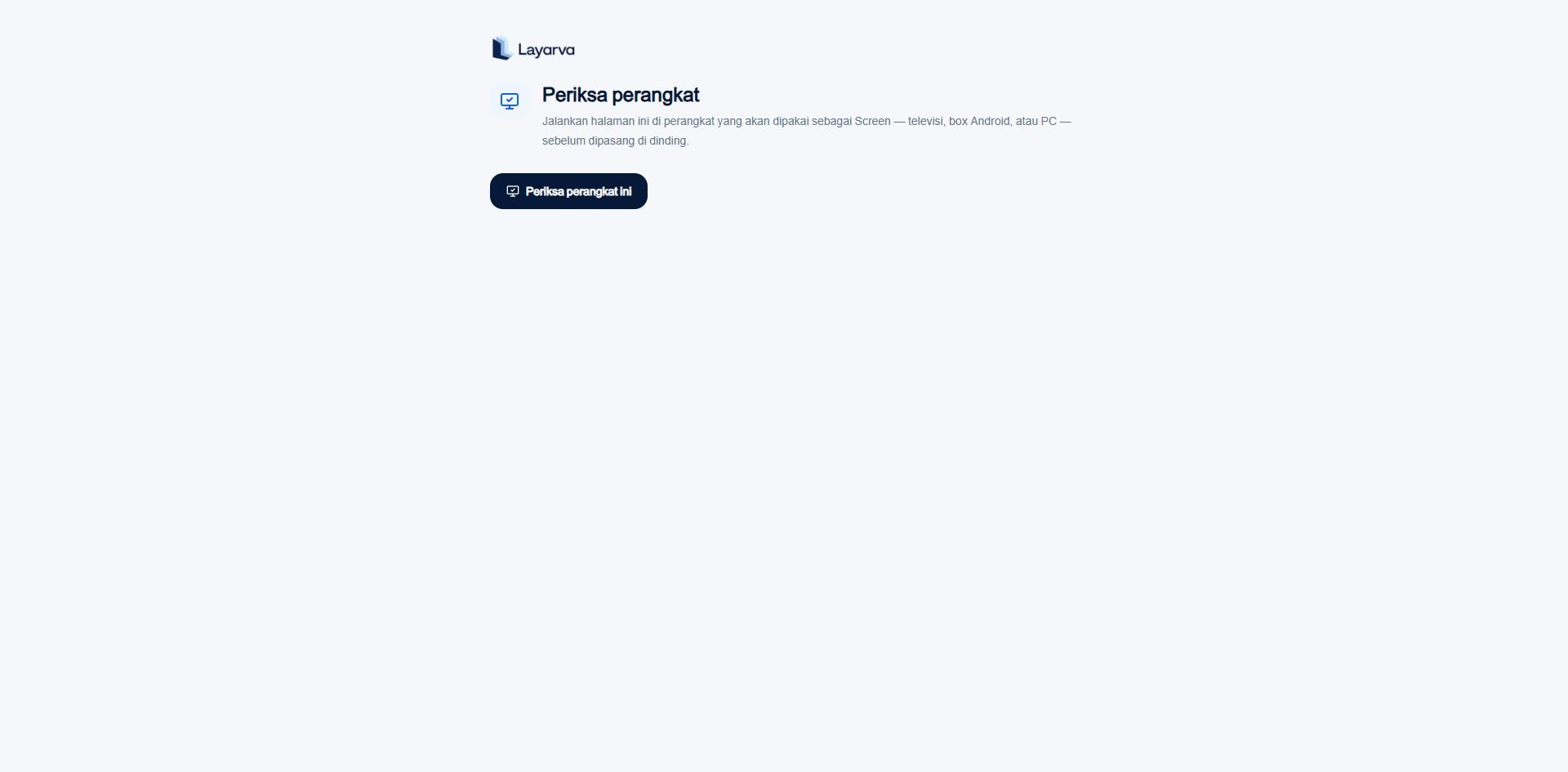
The public Device Check can run before sign-in, pairing, or installation on a wall.
- Browser engine and supported version.
- Display resolution and orientation.
- Browser-reported memory and CPU cores when available.
- H.264 playback capability.
- Writable persistent storage and available quota.
- WebGL support and whether rendering appears hardware- or software-accelerated.
- Audio output capability and Indonesian speech voices.
- Full-screen capability.
- A real network route to Layarva.
An unknown measurement does not automatically fail the browser. Some engines intentionally do not expose memory or other device information.
Android in-app check
The Android check does not reuse the browser minimum table. It measures Android/API level, processor ABI, real memory, free storage, GPU and texture ceiling, Android WebView, and live WebGL behavior.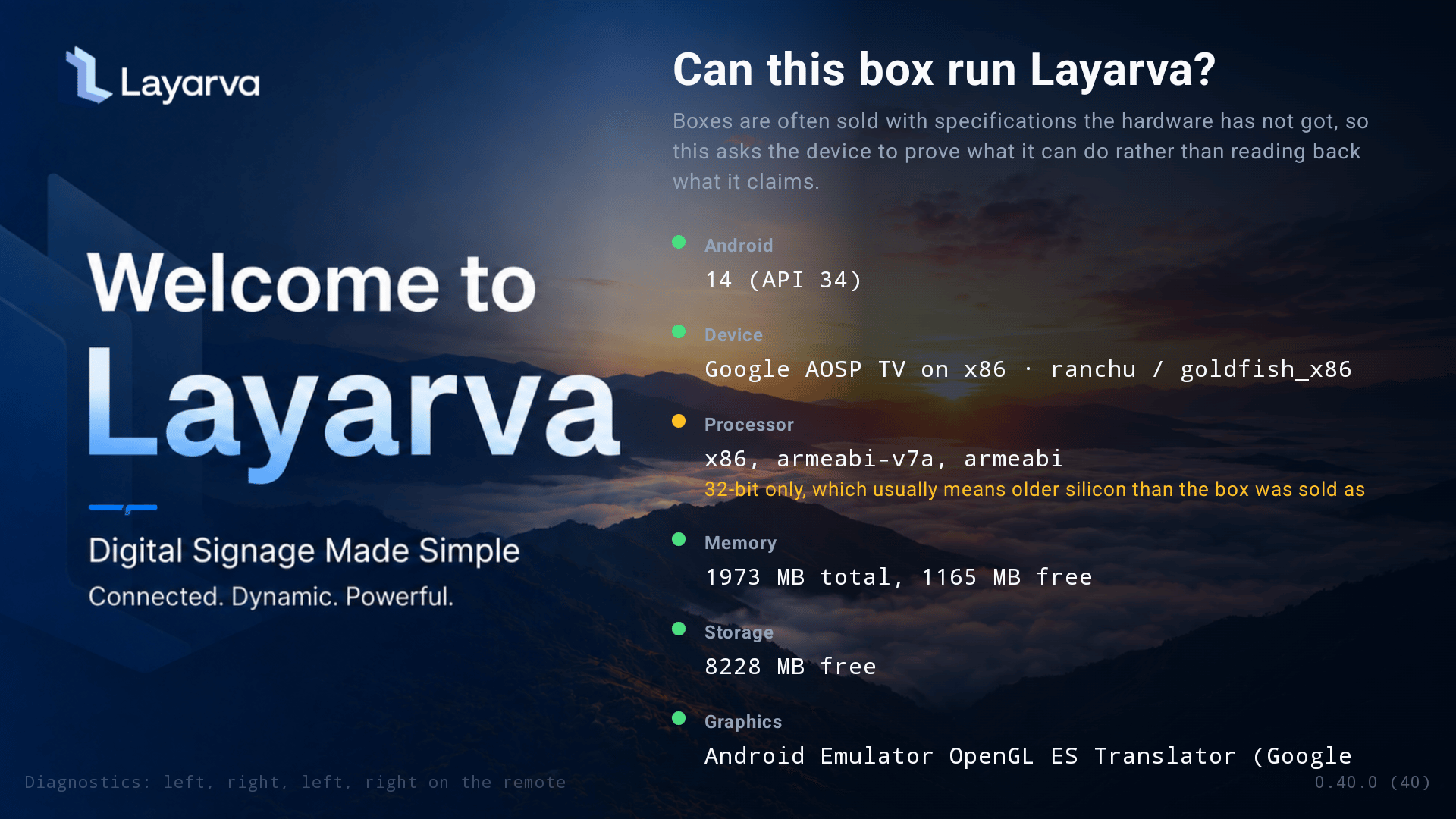
The native Android check exposes hardware and runtime facts that a public browser page cannot reliably obtain.
What neither check proves
- That a physical speaker, printer, touch panel, or remote control is connected correctly.
- That forty items of 4K video will remain smooth for an entire business day.
- That a Wi-Fi connection will remain reliable after the site opens to customers.
- That an Offline package contains only content suitable for the target GPU.