

What you’ll accomplish
You will select the correct role for each team member and understand safeguards around Owners, publishing, Screens, Queue operations, and monitoring.The six workspace roles
Role intent
- Owner has every permission and is the only role that can manage billing, delete a workspace, or transfer ownership.
- Admin has all operational permissions except those three Owner-only actions.
- Content Creator builds content and can request publishing, but cannot approve or execute it.
- Publisher combines content work with review, publishing, Schedules, and Campaign execution.
- Operator works in the field: Queue lifecycle, Monitoring, and Screen pairing. Operators cannot browse Studio, Library, Playlists, or Campaigns.
- Viewer has broad read-only access.
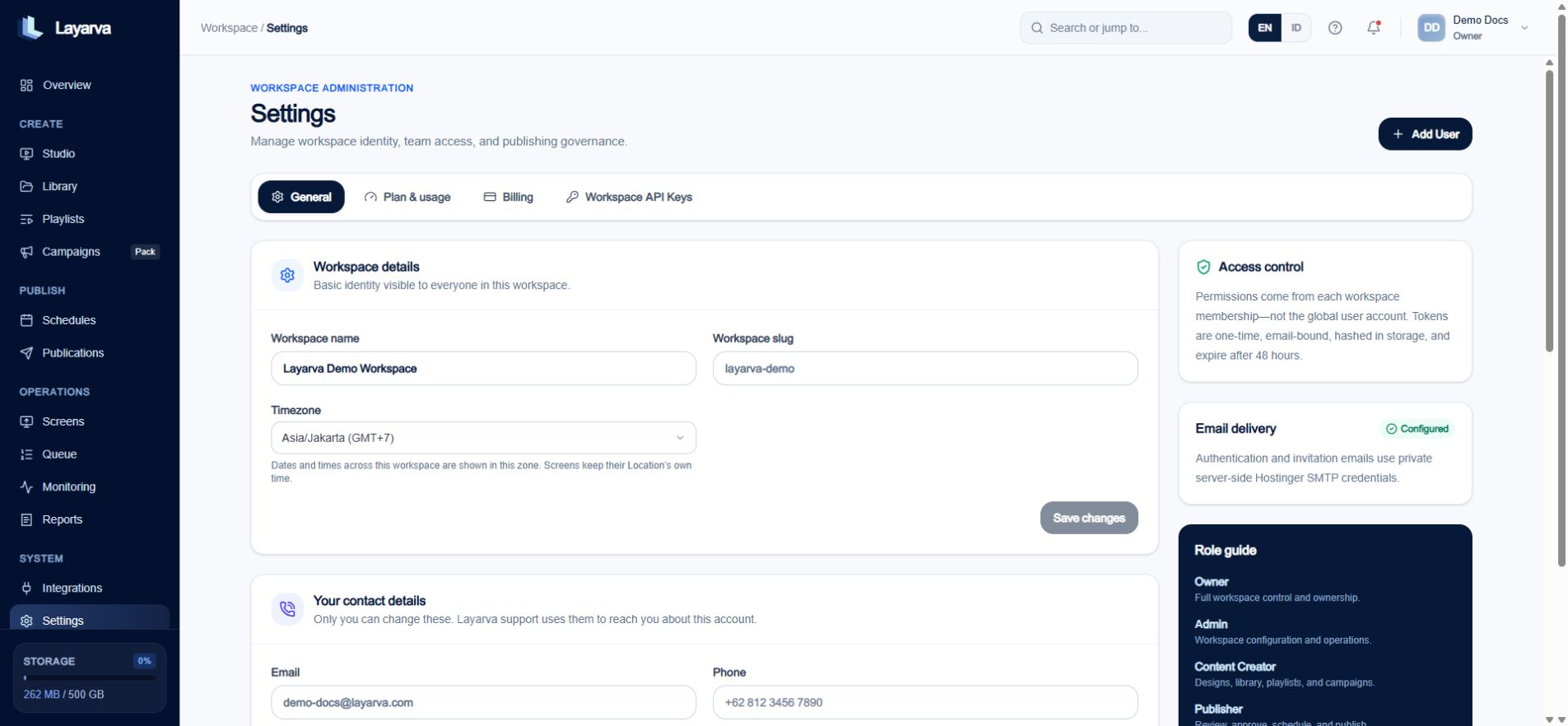
Workspace Settings explains each role and keeps membership permissions scoped to the selected workspace.
Change a member’s role
- Open Settings → Members & Roles.
- Find the member.
- Select Change role.
- Choose the new role and review its description.
- Select Update role.
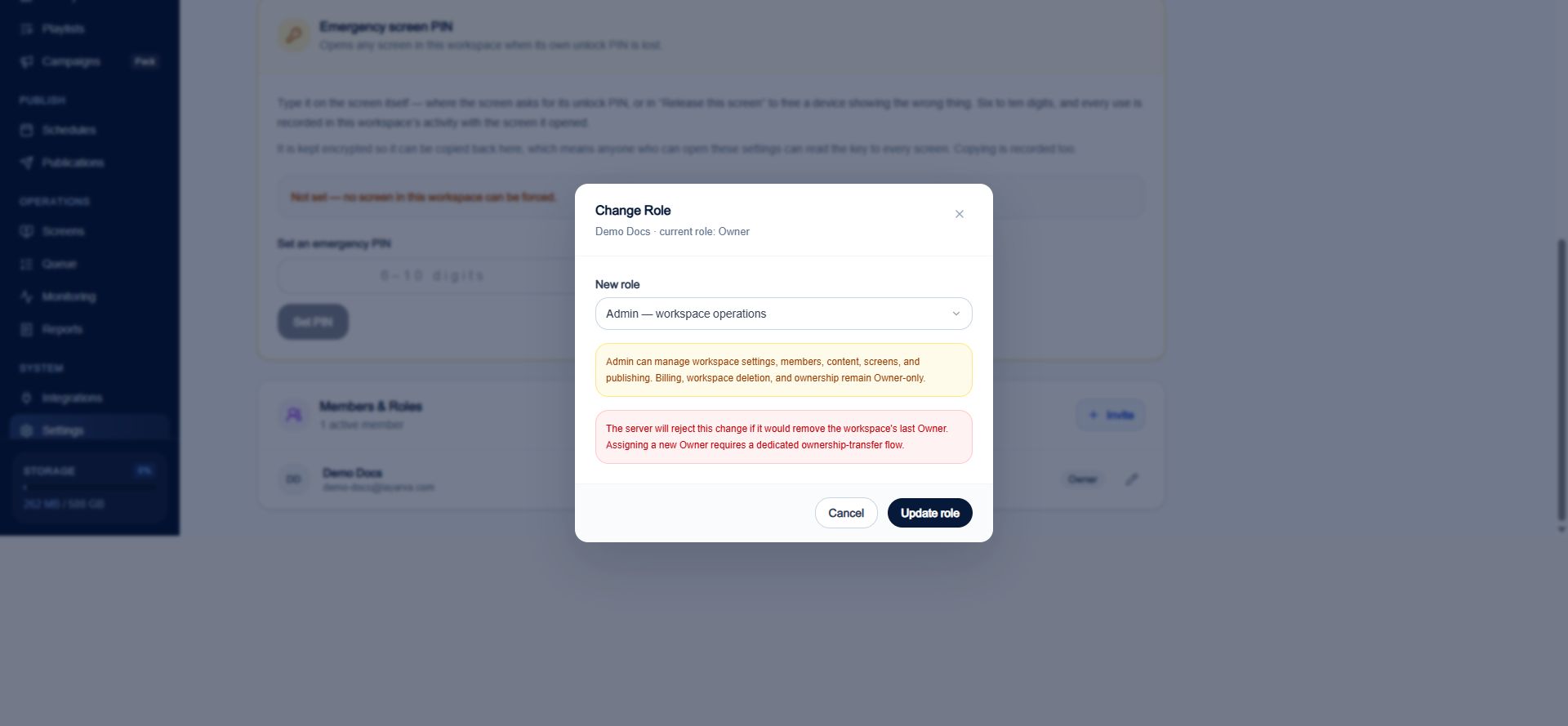
The role dialog explains Admin boundaries and blocks a change that would remove the last Owner.