

What a Queue Unit is
A Queue Unit is one isolated queue operation for a branch, floor, or service area. It owns the configuration and runtime records needed to issue, call, serve, and report queue tickets.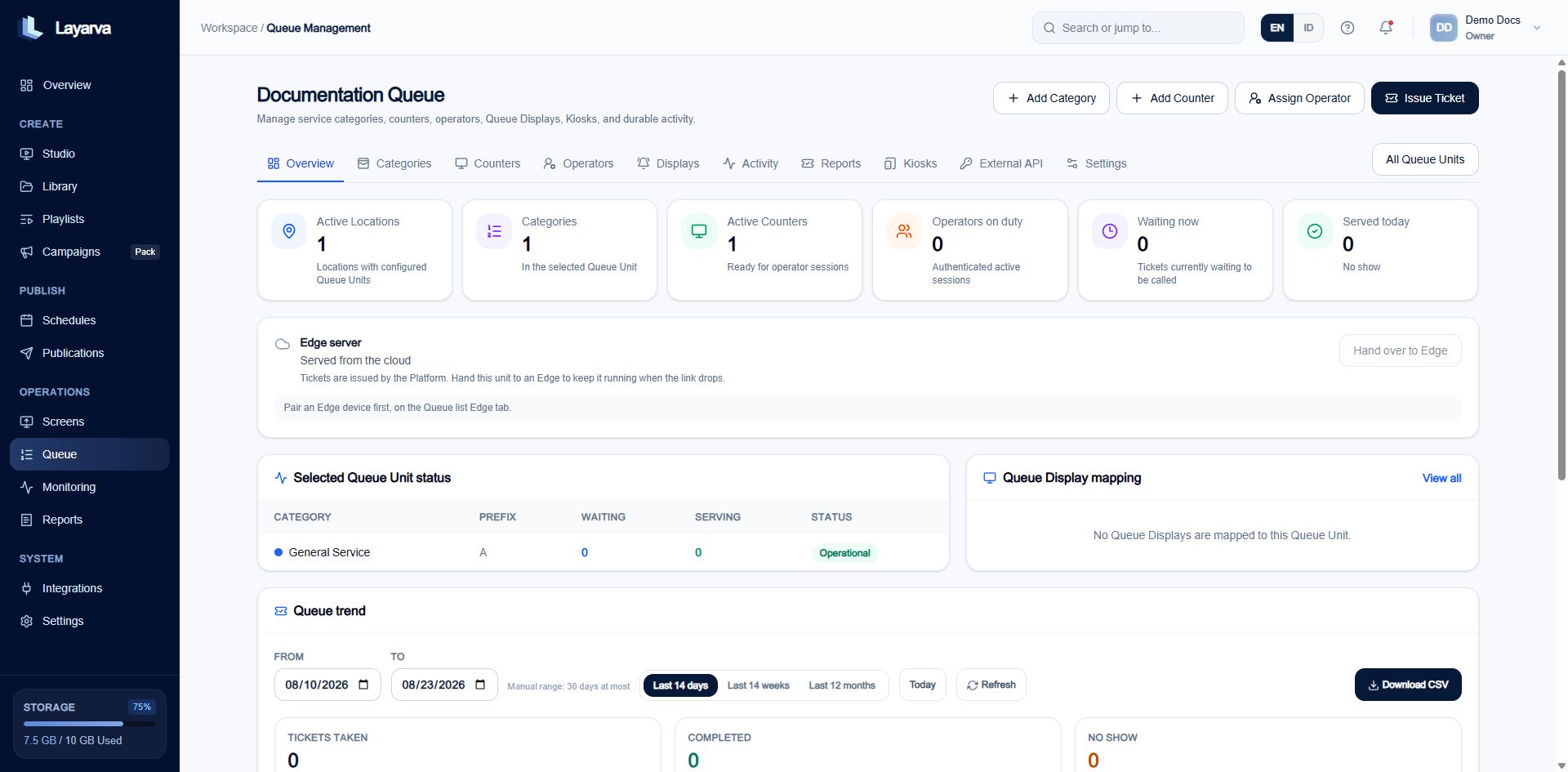
Queue Management summarizes each isolated Queue Unit and provides access to its operational resources.
Queue anatomy
Each Queue Design belongs to one Queue Unit. Its Queue Playlist contains exactly that one Design and the Queue Channel remains inside the same Queue Unit chain.
How a ticket moves
- A customer selects a Category on a Kiosk or a ticket is issued through the dashboard or API.
- Layarva assigns the next number using the Category prefix and Queue Unit numbering rules.
- The ticket enters Waiting.
- An Operator at a compatible Counter calls the next ticket.
- The audio-master Display plays the chime and announcement while every bound Display updates visually.
- The Operator starts service and completes it, or marks the customer as no-show.
- Durable activity and reports retain the outcome.
Queue Management tabs
Cloud Queue and Edge Queue
The Queue Unit remains managed in the Platform in both cases:- With Cloud, Kiosks, Operators, and Displays exchange live state with Layarva directly.
- With Edge, the branch Edge receives a temporary authority lease, local configuration, and number blocks. It can keep local Queue operations running during a WAN outage and reconciles when connectivity returns.