

What you’ll accomplish
You will name a newly provisioned workspace, optionally invite a teammate, choose a publishing policy, and finish onboarding.Prerequisites
- A newly provisioned Layarva workspace.
- Owner access to that workspace.
Steps
-
Enter the workspace name that your team will recognize.
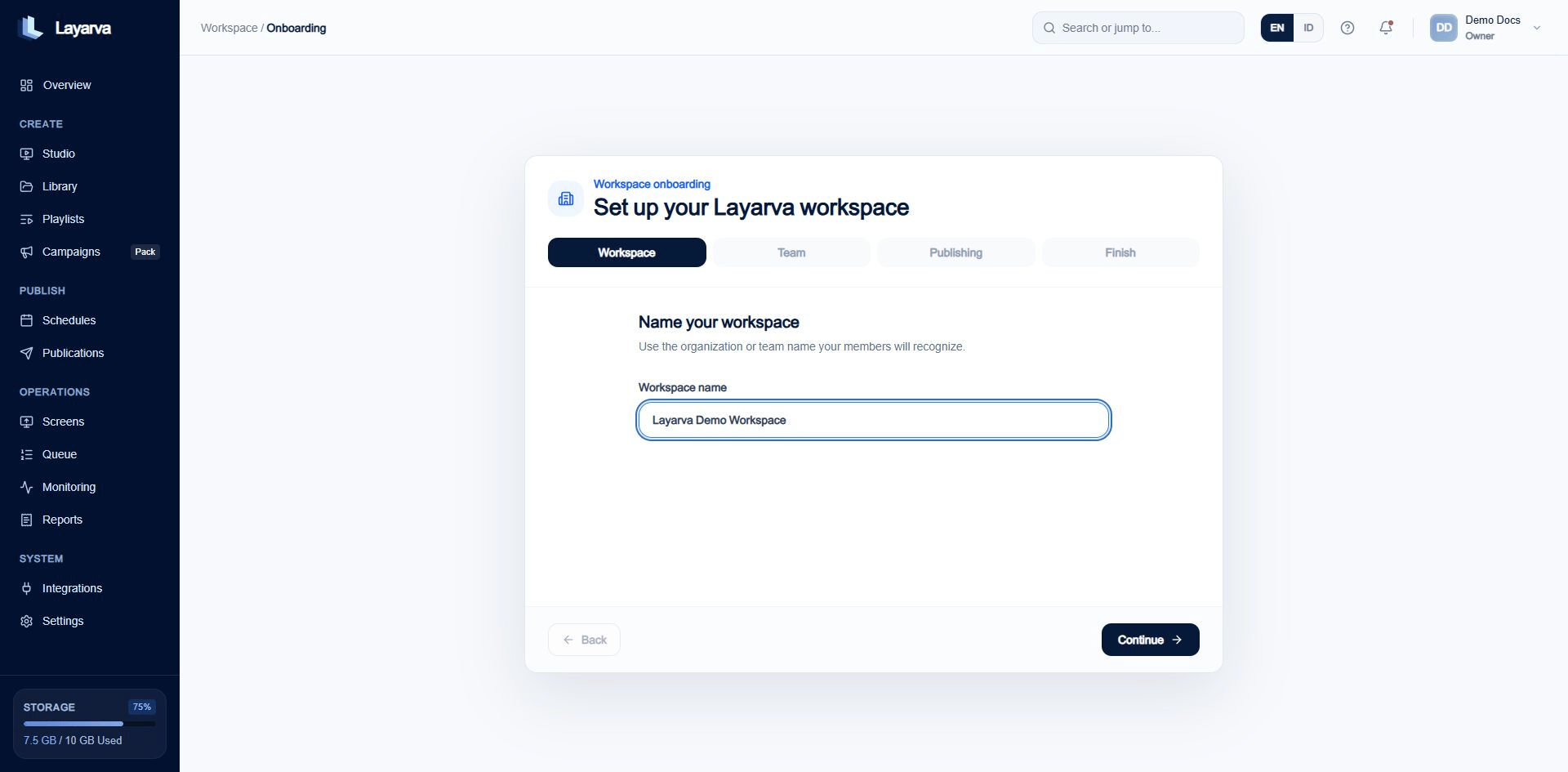
Name the workspace before configuring team and publishing behavior.
- Select Continue.
-
Enter a teammate’s email and role, or select Skip for now.
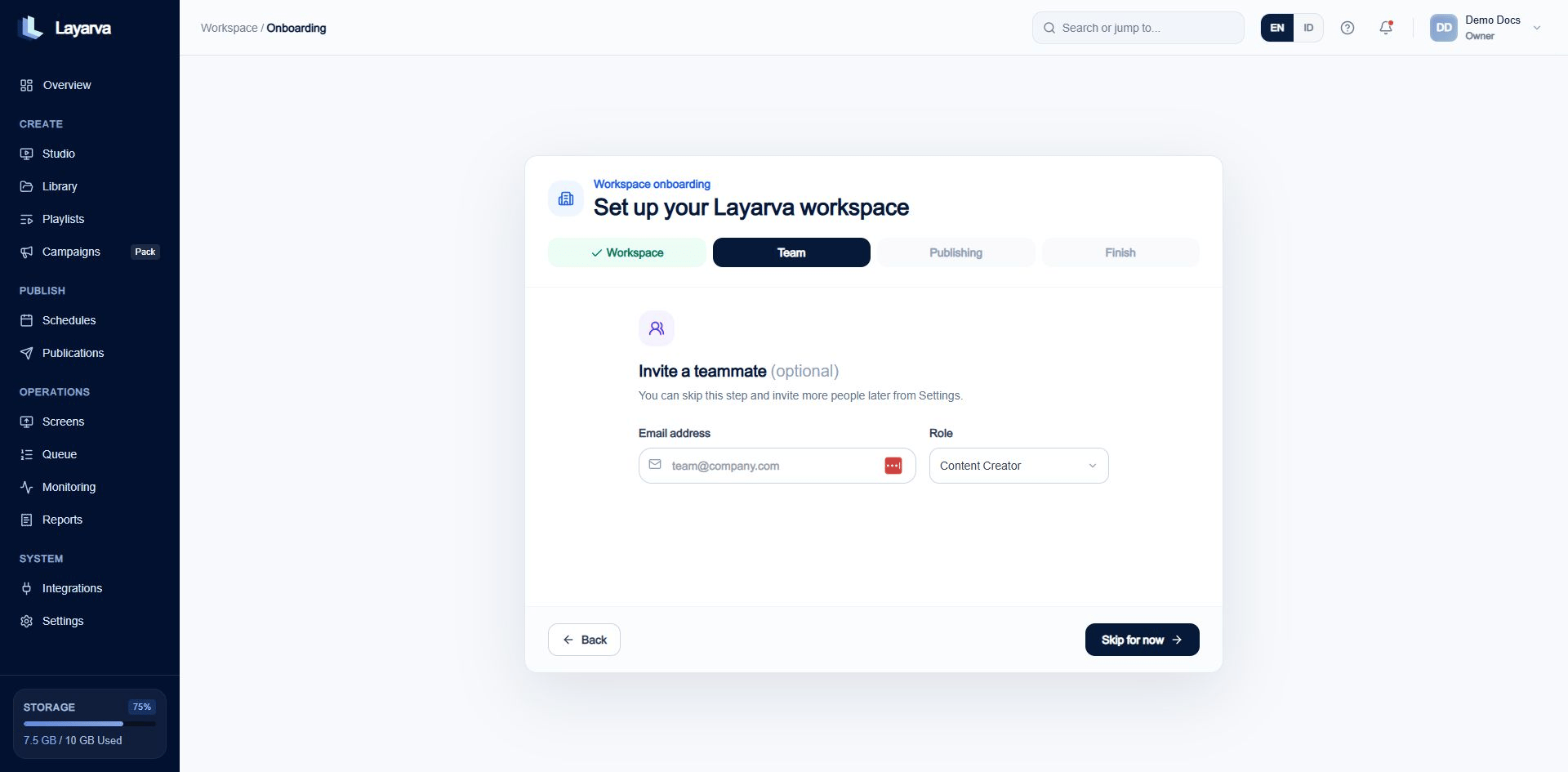
The team step is optional and can be completed later from Settings.
-
Choose a publishing workflow:
- Owner & Admin Only — only Owners and Admins publish or schedule.
- Direct Publishing — authorized roles publish without an approval step.
- Approval Required — publishing requires approval for the exact source version.
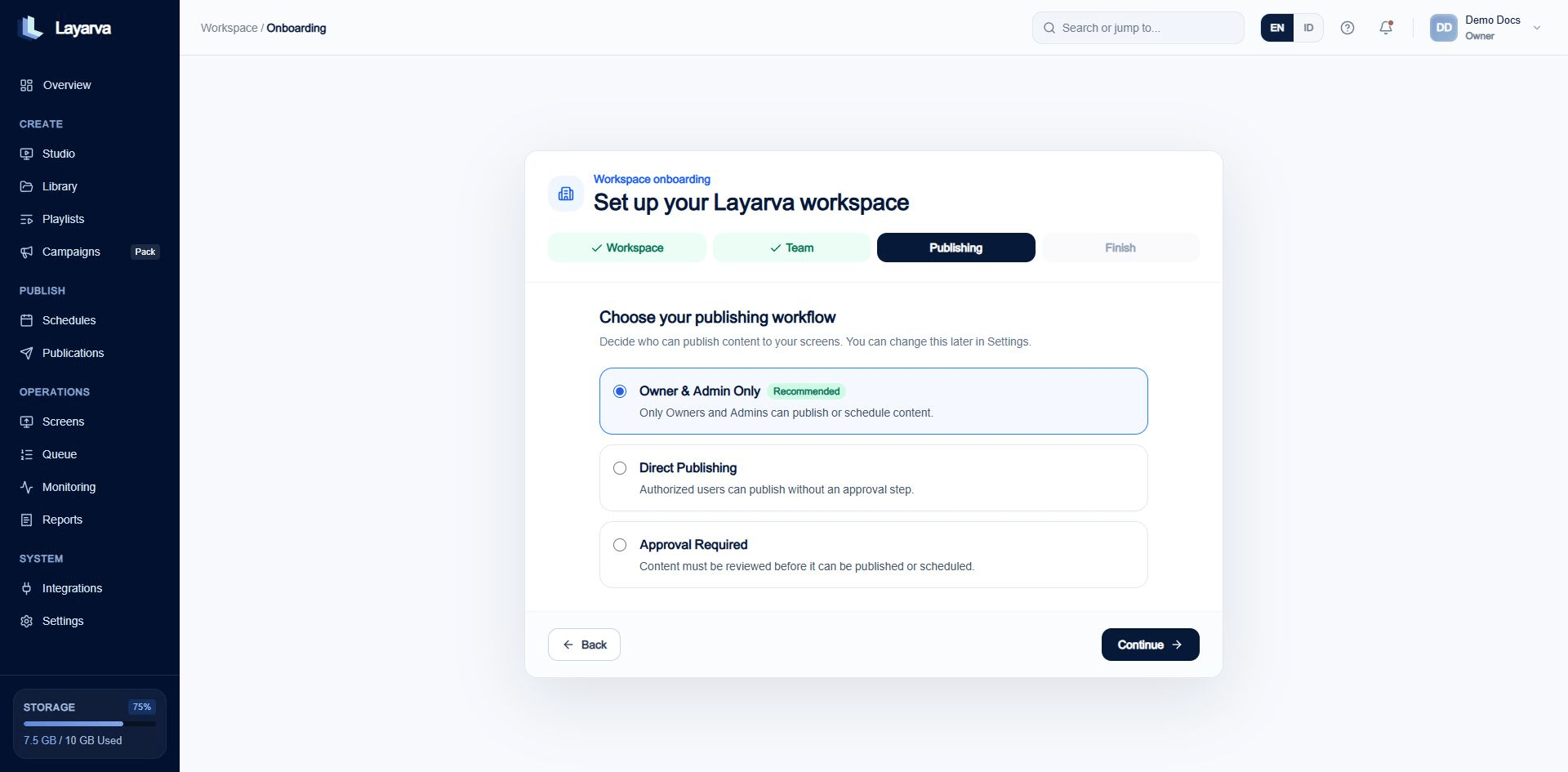
Choose the policy that matches your organization's review process.
- Review the workspace name and publishing policy.
-
Select Finish setup.
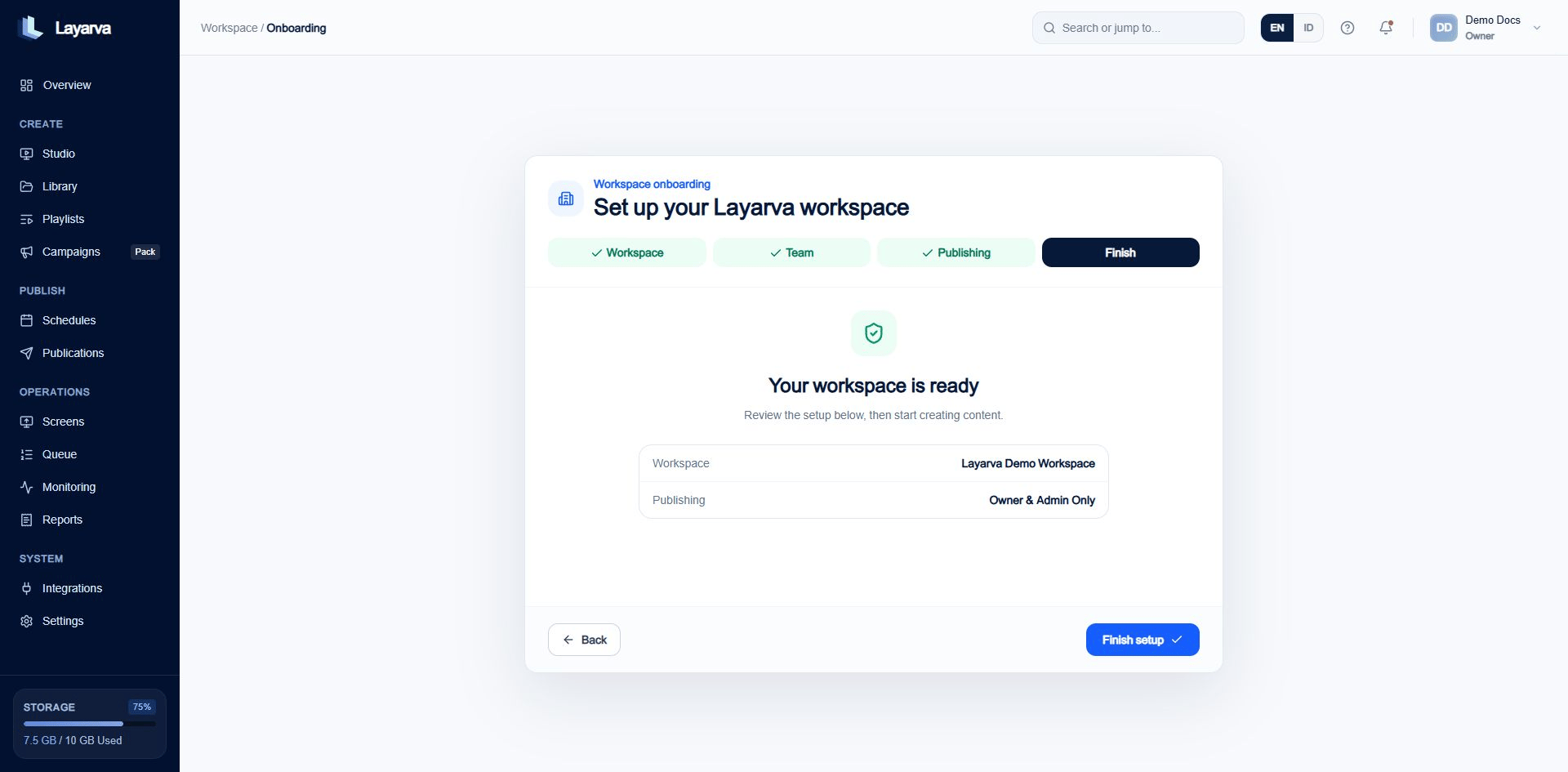
The final step summarizes the settings that will be applied.
Expected result
Layarva opens the workspace Overview. The activity feed records that onboarding was completed.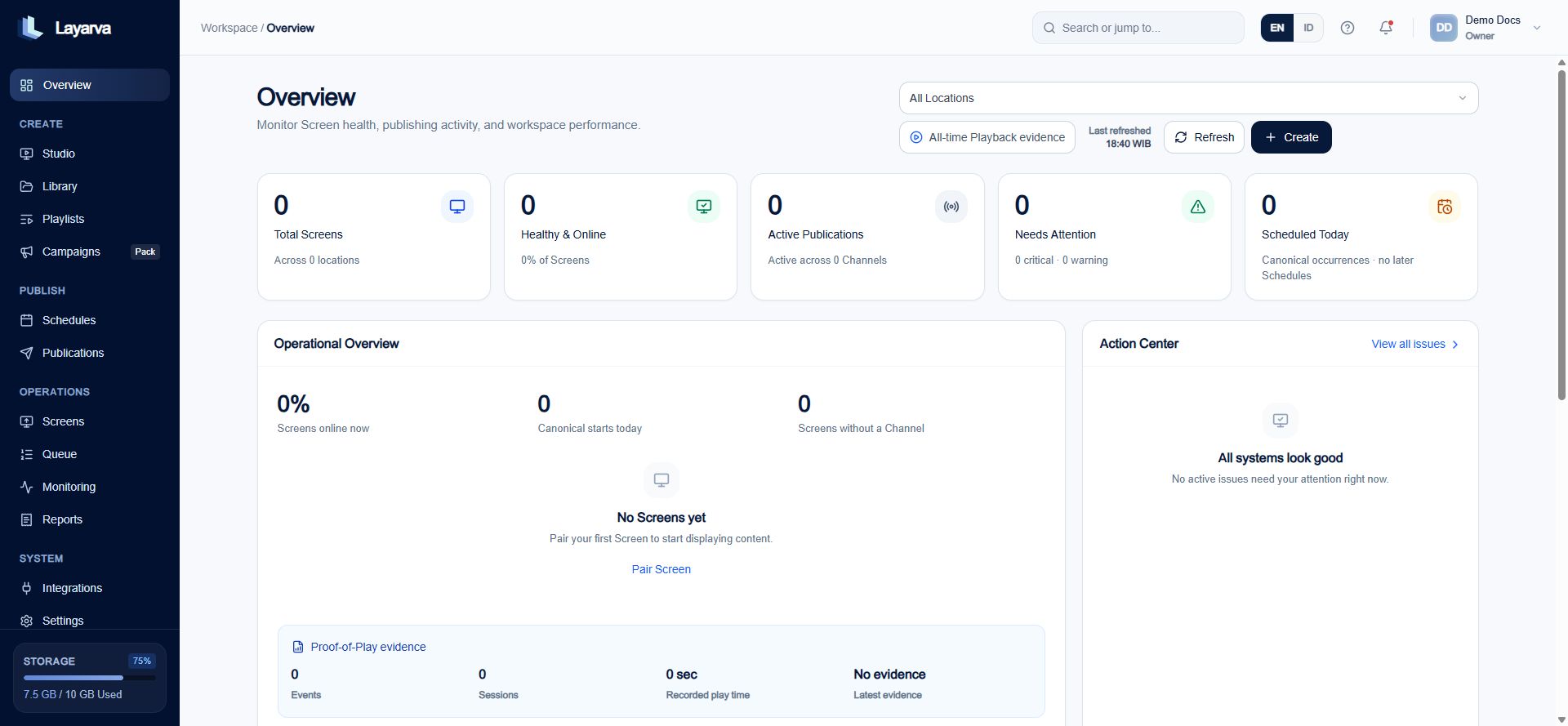
A new workspace Overview starts with operational empty states and quick actions.
Important notes
- You can invite more members and review publishing settings later from Settings.
- Publishing policy affects who may publish, schedule, request approval, or approve content.
- Billing configuration is separate from workspace onboarding.