> ## Documentation Index
> Fetch the complete documentation index at: https://docs.layarva.com/llms.txt
> Use this file to discover all available pages before exploring further.
# Check Device Compatibility
> Run the correct browser or Android compatibility check on the exact device that will display Layarva content.
## Two checks serve different runtimes
| Check | Open it from | Use it for |
| ------------------------ | ---------------------------------------------------------------------------- | ------------------------------------------------------------------------------------- |
| **Browser Device Check** | [https://app.layarva.com/device-check](https://app.layarva.com/device-check) | Cloud Player, browser-based Kiosk, Operator station, and non-Android browser hardware |
| **Android in-app check** | Android Player welcome screen → **Check this device** | The Layarva Android Player APK and the hardware underneath it |
Run the check on the exact device, browser, display output, and network that will be deployed. A result from a laptop does not qualify a TV box.
## Browser Device Check
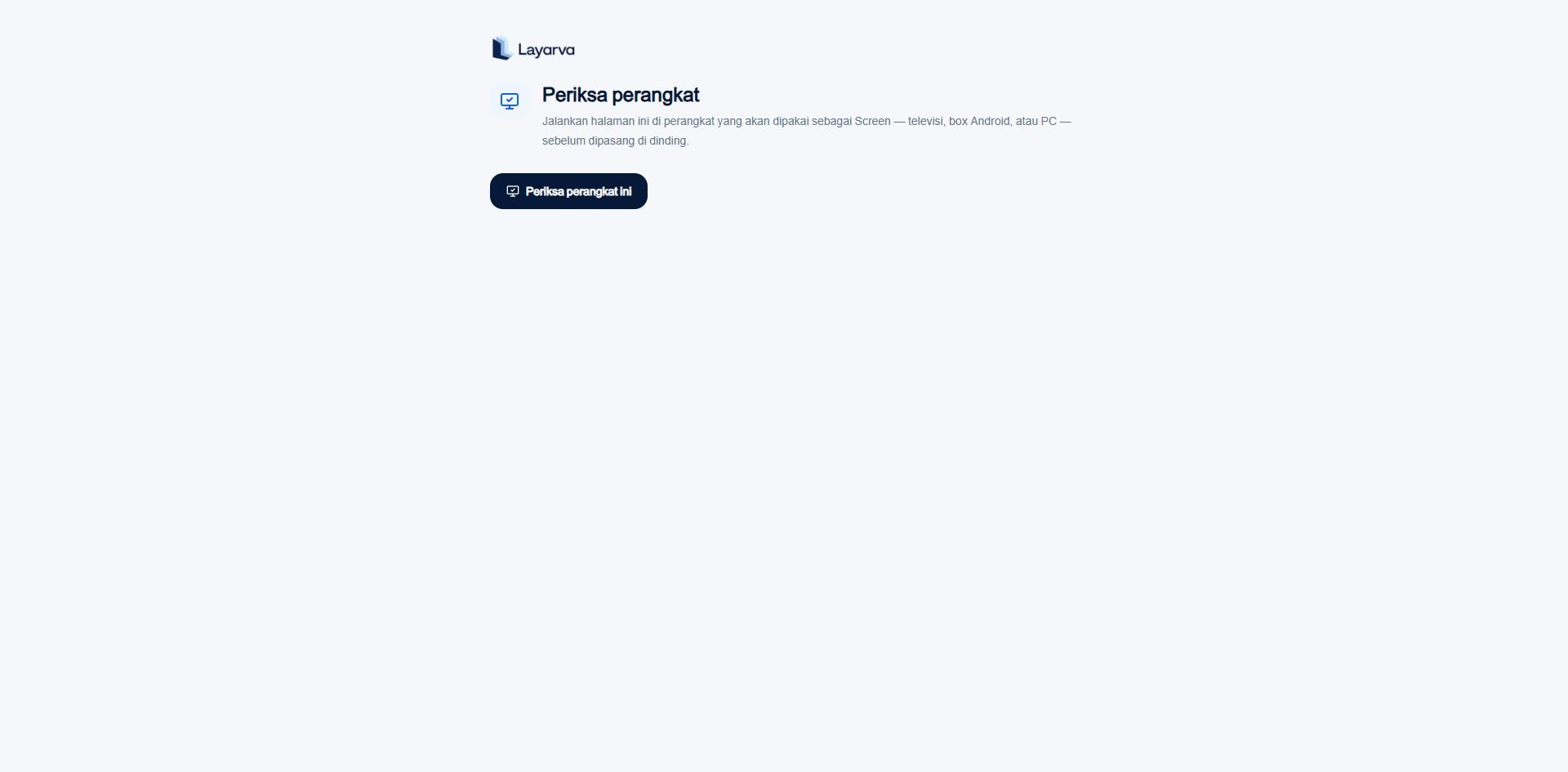 The browser check measures:
* Browser engine and supported version.
* Display resolution and orientation.
* Browser-reported memory and CPU cores when available.
* H.264 playback capability.
* Writable persistent storage and available quota.
* WebGL support and whether rendering appears hardware- or software-accelerated.
* Audio output capability and Indonesian speech voices.
* Full-screen capability.
* A real network route to Layarva.
| Verdict | Meaning |
| --------------------- | ---------------------------------------------------------- |
| **Ready** | No measured requirement failed. |
| **Works with limits** | Required capabilities passed, but a recommendation failed. |
| **Not supported** | A required capability failed. |
An unknown measurement does not automatically fail the browser. Some engines intentionally do not expose memory or other device information.
## Android in-app check
The Android check does not reuse the browser minimum table. It measures Android/API level, processor ABI, real memory, free storage, GPU and texture ceiling, Android WebView, and live WebGL behavior.
The browser check measures:
* Browser engine and supported version.
* Display resolution and orientation.
* Browser-reported memory and CPU cores when available.
* H.264 playback capability.
* Writable persistent storage and available quota.
* WebGL support and whether rendering appears hardware- or software-accelerated.
* Audio output capability and Indonesian speech voices.
* Full-screen capability.
* A real network route to Layarva.
| Verdict | Meaning |
| --------------------- | ---------------------------------------------------------- |
| **Ready** | No measured requirement failed. |
| **Works with limits** | Required capabilities passed, but a recommendation failed. |
| **Not supported** | A required capability failed. |
An unknown measurement does not automatically fail the browser. Some engines intentionally do not expose memory or other device information.
## Android in-app check
The Android check does not reuse the browser minimum table. It measures Android/API level, processor ABI, real memory, free storage, GPU and texture ceiling, Android WebView, and live WebGL behavior.
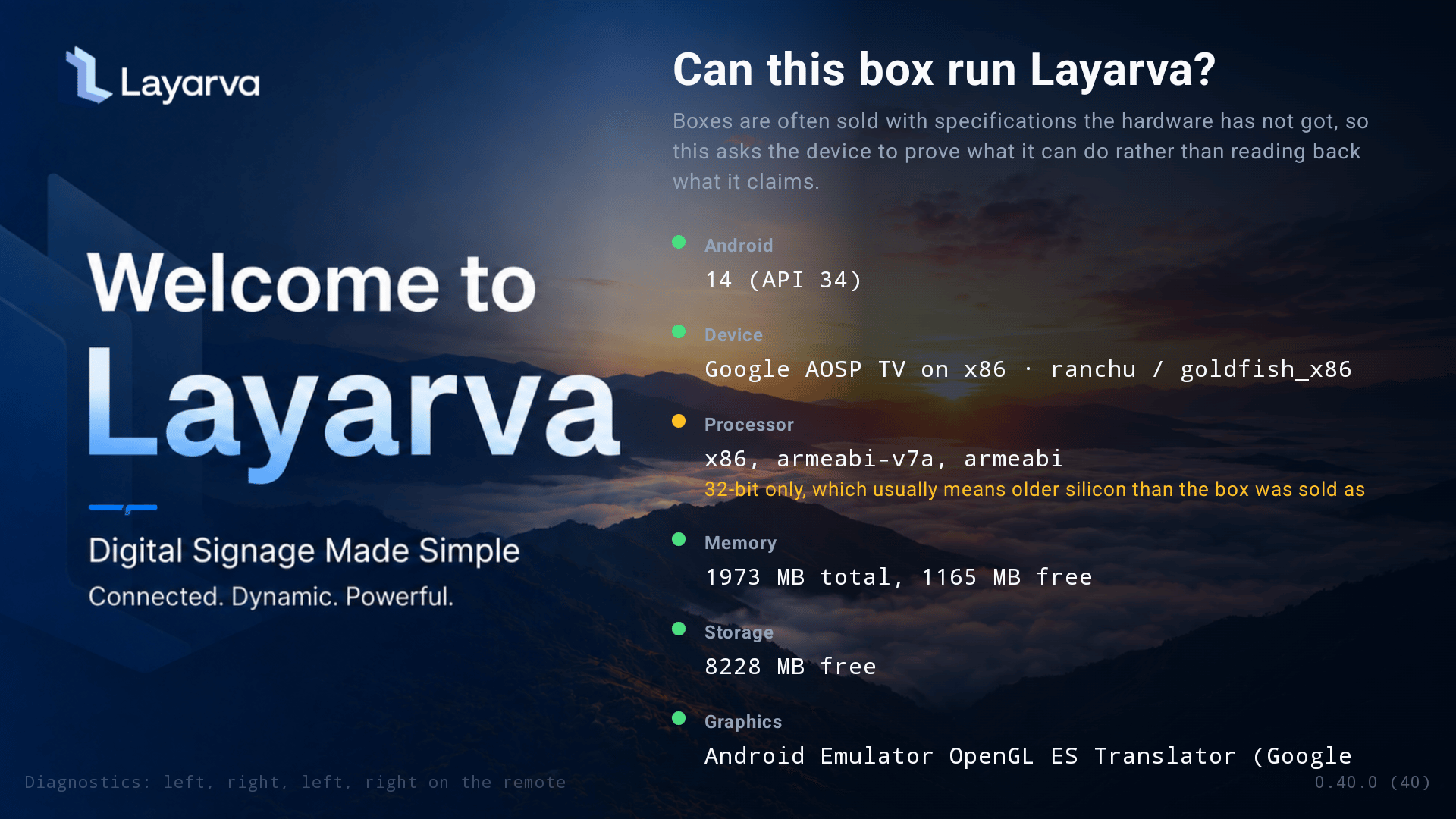 Android has four verdicts: **Supported**, **Supported with limits**, **Not supported**, and **Inconclusive**. Follow the Android-specific remedies rather than applying the Cloud Player's 2 GB browser gate.
## What neither check proves
* That a physical speaker, printer, touch panel, or remote control is connected correctly.
* That forty items of 4K video will remain smooth for an entire business day.
* That a Wi-Fi connection will remain reliable after the site opens to customers.
* That an Offline package contains only content suitable for the target GPU.
After the capability check, publish a representative Playlist, run it full screen for a sustained period, test power recovery, and verify every attached peripheral.
## Related guides
* [Player Device Requirements](/screens/device-requirements)
* [Use the Cloud Player](/screens/cloud-player)
* [Install and Operate the Android Player](/screens/android-player)
Android has four verdicts: **Supported**, **Supported with limits**, **Not supported**, and **Inconclusive**. Follow the Android-specific remedies rather than applying the Cloud Player's 2 GB browser gate.
## What neither check proves
* That a physical speaker, printer, touch panel, or remote control is connected correctly.
* That forty items of 4K video will remain smooth for an entire business day.
* That a Wi-Fi connection will remain reliable after the site opens to customers.
* That an Offline package contains only content suitable for the target GPU.
After the capability check, publish a representative Playlist, run it full screen for a sustained period, test power recovery, and verify every attached peripheral.
## Related guides
* [Player Device Requirements](/screens/device-requirements)
* [Use the Cloud Player](/screens/cloud-player)
* [Install and Operate the Android Player](/screens/android-player)