> ## Documentation Index
> Fetch the complete documentation index at: https://docs.layarva.com/llms.txt
> Use this file to discover all available pages before exploring further.
# Manage Roles and Permissions
> Choose among the six workspace roles and understand their operational boundaries.
## What you'll accomplish
You will select the correct role for each team member and understand safeguards around Owners, publishing, Screens, Queue operations, and monitoring.
## The six workspace roles
| Capability | Owner | Admin | Content Creator | Publisher | Operator | Viewer |
| -------------------------------------- | ----- | ----- | --------------- | --------- | -------- | ------ |
| Manage workspace and members | Yes | Yes | — | — | — | — |
| Delete workspace or transfer ownership | Yes | No | — | — | — | — |
| Manage billing | Yes | No | — | — | — | — |
| Create and edit content | Yes | Yes | Yes | Yes | — | — |
| Delete content or Playlists | Yes | Yes | No | No | — | — |
| Request publishing | Yes | Yes | Yes | Yes | — | — |
| Approve and execute publishing | Yes | Yes | No | Yes | — | — |
| Manage Schedules and launch Campaigns | Yes | Yes | No | Yes | — | — |
| Pair Screens | Yes | Yes | — | — | Yes | — |
| Manage Screen configuration | Yes | Yes | — | — | No | — |
| Operate Queue tickets | Yes | Yes | — | — | Yes | — |
| Manage Queue configuration | Yes | Yes | — | — | No | — |
| Manage monitoring issues | Yes | Yes | — | — | Yes | — |
| Read workspace data | Yes | Yes | Scoped | Scoped | Scoped | Yes |
## Role intent
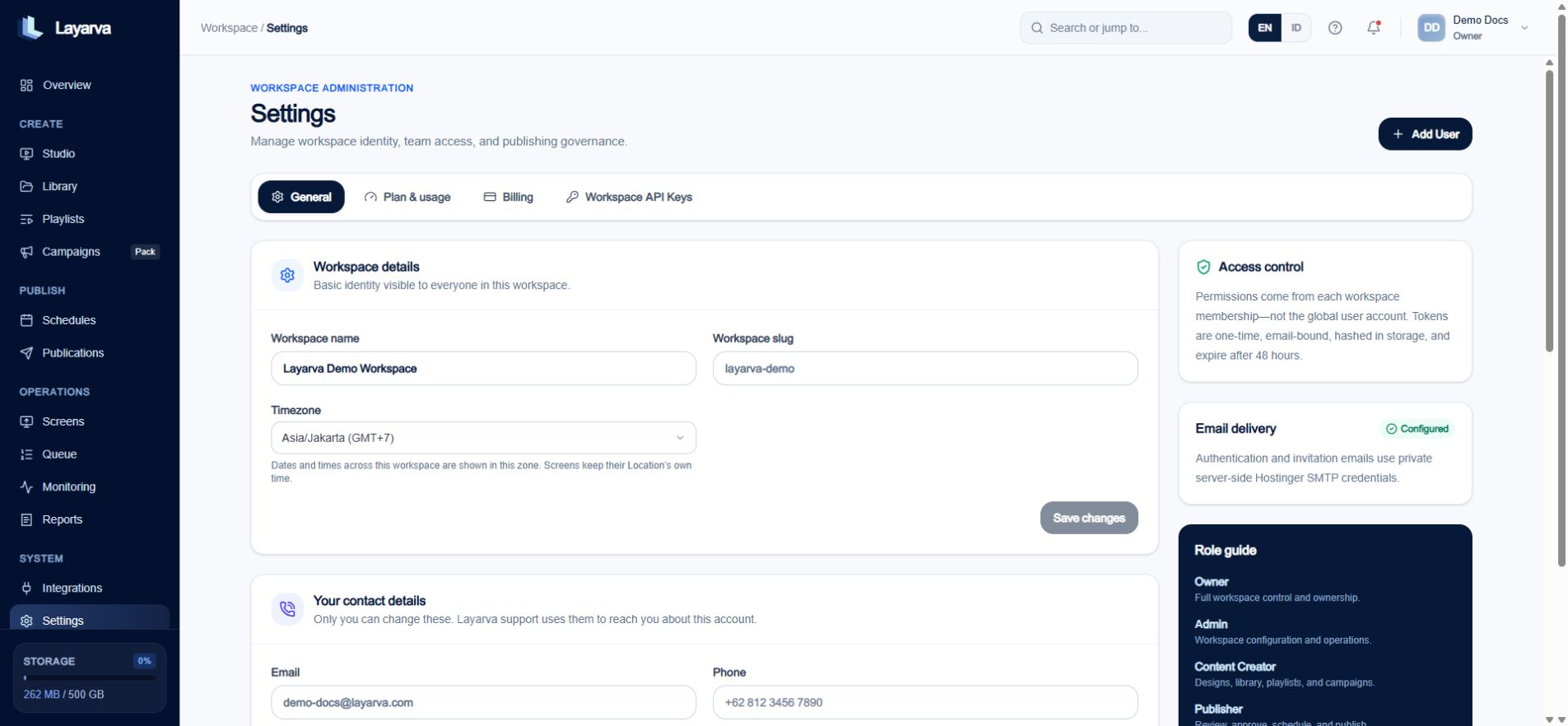
* **Owner** has every permission and is the only role that can manage billing, delete a workspace, or transfer ownership.
* **Admin** has all operational permissions except those three Owner-only actions.
* **Content Creator** builds content and can request publishing, but cannot approve or execute it.
* **Publisher** combines content work with review, publishing, Schedules, and Campaign execution.
* **Operator** works in the field: Queue lifecycle, Monitoring, and Screen pairing. Operators cannot browse Studio, Library, Playlists, or Campaigns.
* **Viewer** has broad read-only access.
 ## Change a member's role
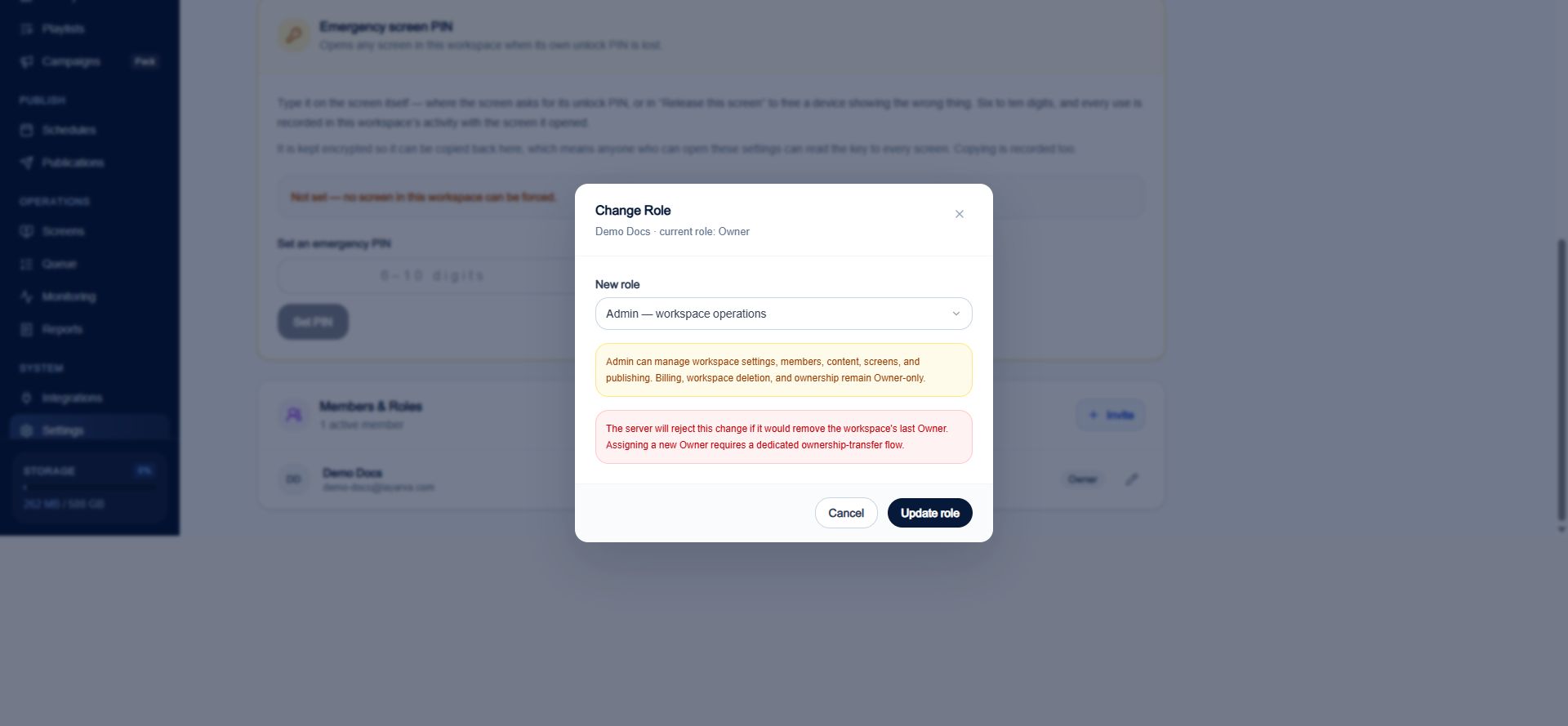
1. Open **Settings → Members & Roles**.
2. Find the member.
3. Select **Change role**.
4. Choose the new role and review its description.
5. Select **Update role**.
## Change a member's role
1. Open **Settings → Members & Roles**.
2. Find the member.
3. Select **Change role**.
4. Choose the new role and review its description.
5. Select **Update role**.
 ## Owner safeguards
The last Owner cannot be demoted. Assigning another Owner requires the dedicated ownership-transfer flow; changing a normal role is not an ownership transfer.
## Publishing independence
When the workspace uses **Approval Required**, approval applies only to the exact requested source version. A reviewer cannot approve their own request, and approval for an older version does not approve a later edit.
## Related guides
* [Set Up Your Workspace](/getting-started/create-workspace)
* [Understand Publishing](/studio/publishing)
* [Monitor Operations](/monitoring/overview)
## Owner safeguards
The last Owner cannot be demoted. Assigning another Owner requires the dedicated ownership-transfer flow; changing a normal role is not an ownership transfer.
## Publishing independence
When the workspace uses **Approval Required**, approval applies only to the exact requested source version. A reviewer cannot approve their own request, and approval for an older version does not approve a later edit.
## Related guides
* [Set Up Your Workspace](/getting-started/create-workspace)
* [Understand Publishing](/studio/publishing)
* [Monitor Operations](/monitoring/overview)