> ## Documentation Index
> Fetch the complete documentation index at: https://docs.layarva.com/llms.txt
> Use this file to discover all available pages before exploring further.
# Assign Screens to Edge
> Hand a Screen to an active Edge and safely return it to Cloud delivery.
## What you'll accomplish
You will move a Screen from Cloud to Edge delivery without leaving two delivery authorities, then understand the recovery path back to Cloud.
## Prerequisites
* `screen.manage` permission.
* An active Edge that synchronized within the last 120 seconds.
* A Screen that is not already assigned to Edge.
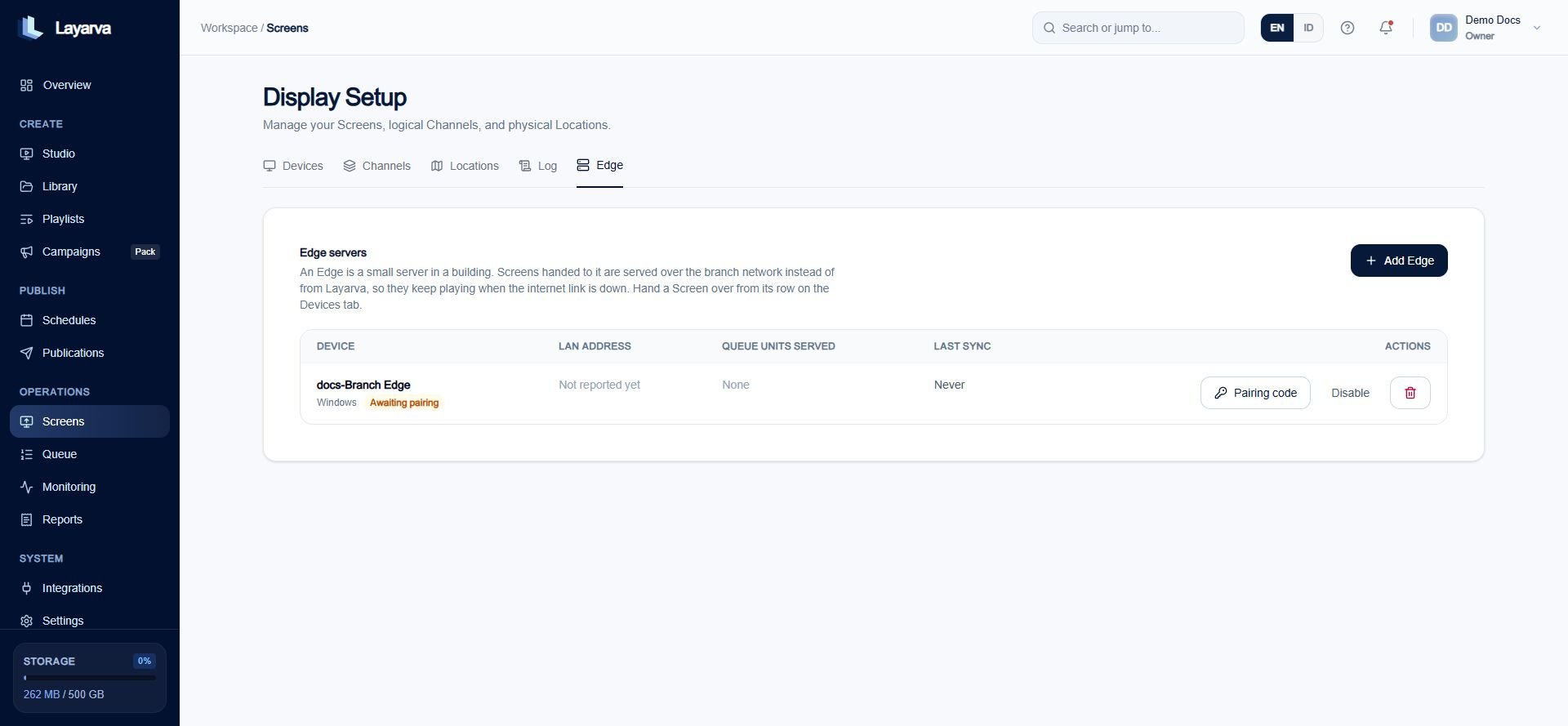
## Hand a Screen to Edge
1. Open **Screens → Devices**.
2. Open the Screen's assignment or actions.
3. Choose **Edge** delivery.
4. Select the active Edge device.
5. Confirm the handover.
The Platform changes the Screen delivery mode and writes the Edge LAN roster in one transaction. This prevents a Screen from being labelled Edge-delivered before its Edge is authorized to serve it.
 ## Return a Screen to Cloud
Returning is intentionally stricter when Edge still appears healthy:
* Without **Force**, the action is rejected while Edge synchronized within the last 120 seconds.
* With **Force**, recovery succeeds even when the Edge is unreachable.
* The old device token is removed. Pair the physical Player again for Cloud delivery.
* The Edge roster entry becomes **Revoked**, not deleted, so a returning Edge can see the explicit denial.
* Active and Last Known Good Publication pointers are cleared because they were staged by the former delivery authority.
Force-return interrupts the serving authority of a branch that may still be operating. Use it for incident recovery, not routine reassignment.
## Why `screen.manage` is required
Changing delivery authority decides which system serves a physical television. It is an operational Screen-management action, not the simpler act of entering a pairing code.
## Related guides
* [Add and Pair an Edge](/edge/pairing)
* [Secure and Release a Screen](/screens/device-security)
* [Monitor Operations](/monitoring/overview)
## Return a Screen to Cloud
Returning is intentionally stricter when Edge still appears healthy:
* Without **Force**, the action is rejected while Edge synchronized within the last 120 seconds.
* With **Force**, recovery succeeds even when the Edge is unreachable.
* The old device token is removed. Pair the physical Player again for Cloud delivery.
* The Edge roster entry becomes **Revoked**, not deleted, so a returning Edge can see the explicit denial.
* Active and Last Known Good Publication pointers are cleared because they were staged by the former delivery authority.
Force-return interrupts the serving authority of a branch that may still be operating. Use it for incident recovery, not routine reassignment.
## Why `screen.manage` is required
Changing delivery authority decides which system serves a physical television. It is an operational Screen-management action, not the simpler act of entering a pairing code.
## Related guides
* [Add and Pair an Edge](/edge/pairing)
* [Secure and Release a Screen](/screens/device-security)
* [Monitor Operations](/monitoring/overview)